Top 5 Tools for Improving Internal Communication and Team Collaboration in 2026

9 mins read

Posted on Jul 16, 2025
.webp)

Saravana Kumar
SEO


Saravana Kumar
SEO






Let's be honest.
Even the most talented team in your organization can struggle with a communication breakdown.
Missed updates, duplicate work, and endless email chains. However, identifying the real issue, restoring the team, and resolving the challenge can be quite tedious.
That's where internal communication and collaboration tools come in. With built-in AI features, automation, and advanced reporting, employees can have context-aware interactions, smart IVRs, and comprehensive team insights. In this blog, we'll delve deep into the top 5 internal collaboration tools and the best business phone systems that boost productivity and overall business performance.
Why do Internal Collaboration Tools Matter?
In a distributed environment, staying connected can be a real challenge. The internal collaboration system combines chats, files, and meetings into a single dashboard. Here are a few impactful benefits of using internal collaboration tools in an organization.
- Enhance Communication Clarity: Employees can get a clear picture of tasks with built-in office group chat threads, mentions, video calls, and contextual messaging, keeping teams aligned. In addition to this, understanding fast channel vs avod can help teams align communication strategies with content distribution and monetization approaches, ensuring more cohesive execution.
- Centralize Knowledge & Files: Keep your interactions organized and easily accessible with centralized and searchable storage, 12 months of call recordings, and complete audit logs.
- Boost Productivity: View updates on a unified platform, receive automated assistance, and simplify workflow management and task coordination by reducing manual tasks with AI and automation techniques. Learn more about workflow management to streamline processes efficiently.
- Support Remote and Hybrid Work: Connect and collaborate with teams from different locations and shift timings for task updates, file sharing, and escalations.
- Improve Accountability and Transparency: Built-in task tracking, message histories, and activity logs enable managers and team members to track progress and contributions clearly.
- Scale with Your Team: As your business grows, you can easily scale your collaboration platform with a pay-as-you-go, predictive, and transparent pricing model.
What to Look for in Internal Communication Tools
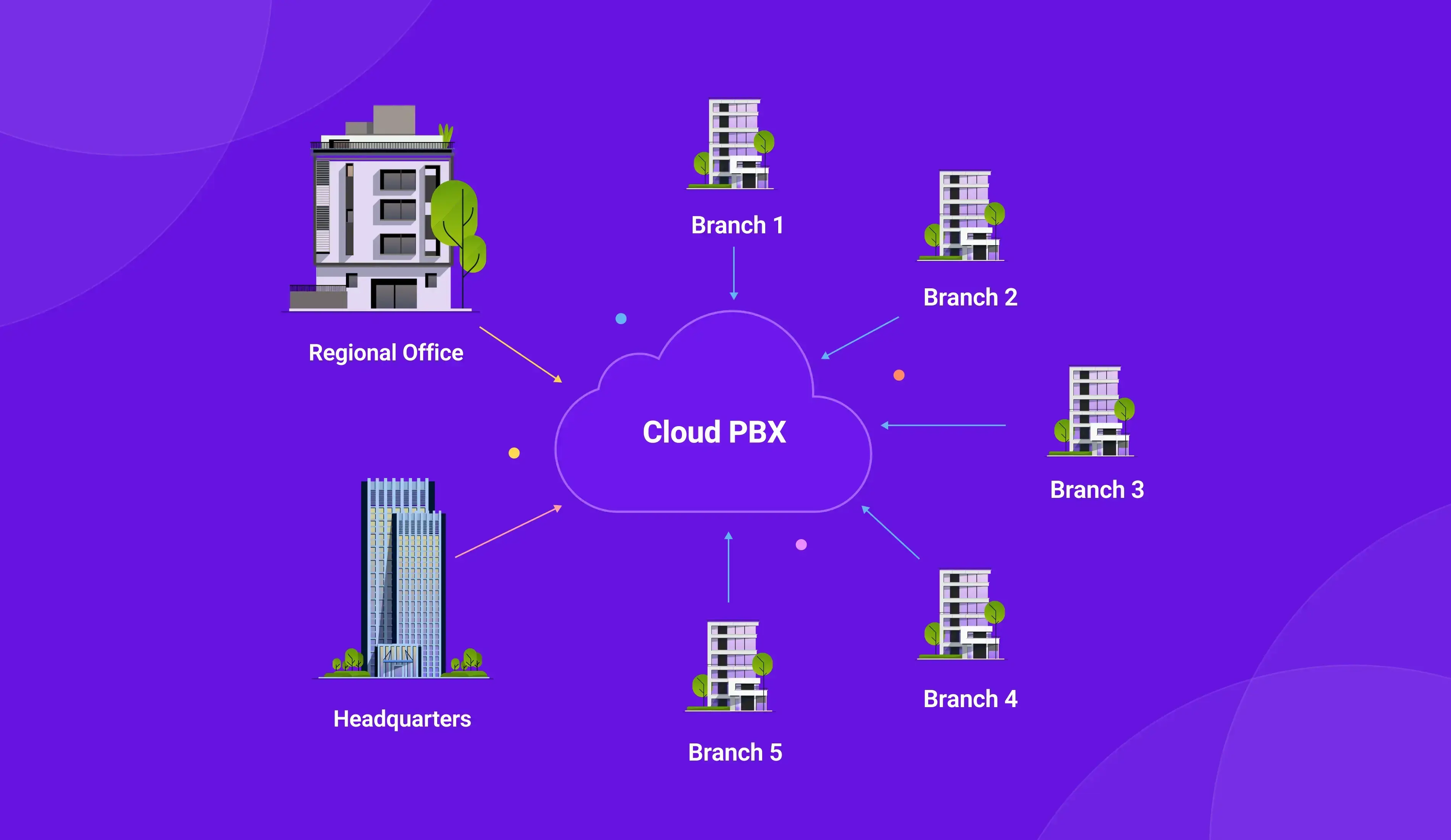
Look for cloud pbx platforms that unify chat, calls, and files in one space, integrate smoothly with your existing tools, and keep data secure. Here's the list of factors to consider while choosing internal communication and collaboration tools:
- Unify Communication: Combine voice, video, text, and file sharing all in one platform
- Collaboration: Enables updates and keeps remote or hybrid teams aligned.
- AI-Powered Features: Smart summaries, workflow automation, and actionable insights to save time.
- Ease of use: Easy to access the live dashboard, set automation, and configure workflows with minimal training.
- Integration with other tools: Seamlessly integrate with your CRM software with phone system, help desk, marketing, automation, and productivity tools.
- Pricing and scalability: Look for a system that provides transparent pricing across the web and can expand beyond borders.
- Security & Compliance: Protects sensitive data and meets regulatory standards.
How to Choose the Right Tool for Your Team
Selecting the best collaboration platform is not about features; it's about addressing your team's actual communication issues. Below is a list of considerations:
1. Evaluate Your Team Needs: Determine pain areas like remote coordination, knowledge sharing, and workflow pauses.
2. Match Features to Workflow: Choose a platform that addresses actual team issues.
3.Test for Adoption: Consider the usability team's training needs and their comfort with the interface.
4. Evaluate Integrations: Ensure they connect with your existing software stack.
5. Consider Scalability & Budget: Ensure it scales with your organization and aligns with your pricing model.
6. Check Security & Compliance: Confirm it meets your company's data policies and regulations.
7.Review AI & Automation Benefits: See how automation saves time and reduces repetitive tasks.
Comparison Table: Best Internal Communication & Collaborations Tools You should Consider in 2026
Top 5 Internal Collaboration Tools to Supercharge Team Productivity
Effective collaboration is the backbone of high-performing teams. This section highlights the top five internal collaboration tools designed to improve communication, streamline task management, and enhance knowledge sharing, while complementing insights from a workforce intelligence platform. By leveraging the right tools, organizations can reduce silos, accelerate decision-making, and significantly boost overall team productivity.
#1 TeleCMI
An all-in-one internal communication and collaboration system for modern teams.
.webp)
TeleCMI is a voice-first approach-based internal communication and collaboration system that provides simplified communication, relying on direct conversations, smart interactive voice responses (IVR), real-time coaching, and quick resolution. With 7+ Global Data Centers, TeleCMI can seamlessly handle global team operations with instant updates and automation.
Key Features
- 400+ Smart Calling & Analytics Features
- Advanced IVR, ACD & Call Routing
- Built-in AI for Call Transcripts & Guidance
- 170+ CRM & Business Tool Integrations
- Business Numbers in 85+ Countries
- 12-Month Call Recording Storage
Benefits
- Team wallboards for performance insights
- Real-time call tagging for quick internal notes
- Internal VoIP calling with instant connectivity
- Team-wide call monitoring & whisper coaching
- Multi-agent access to call logs and histories

#2 Nextiva
Powerful internal collaboration software built to unify business communications.
.webp)
It is a unified platform that features voice, video, and text communication in a single interface. It combines communication, collaboration, and customer data to improve internal collaboration and shared context across the team.
Features
- End-to-end customer journey orchestration
- Pre-built AI and automation
- Workforce engagement management
- Unlimited calling nationwide
- Real-time detailed insights
Benefits
- Centralized chat, video, voice and CRM
- Quick shifts between internal communication and external support.
- Unified inbox for internal and external messages
- Instant alerts to avoid message delays
- Voice and message transcription for better context retention
#3 Slack
A leading internal collaboration tool that keeps teams connected and productive
.webp)
Slack is a fast internal messaging platform with enterprise-grade security. Featuring channels, threads, and integrations, Slack is perfect for organizations with distributed teams and an asynchronous-first culture.
Features
- AI work management
- Record and share updates
- Instant message or call alerts and reminders
- Integrates with 2,000+ tools
Benefits
- Public and private channels to organize team discussions
- Direct messages and group threads for quick clarity

Key Insights
44% of workers say collaborative tools help them feel more connected to their teams. - Gitnux
#4 SmartReach.io
Smart internal communications software with collaboration tools for seamless outreach.
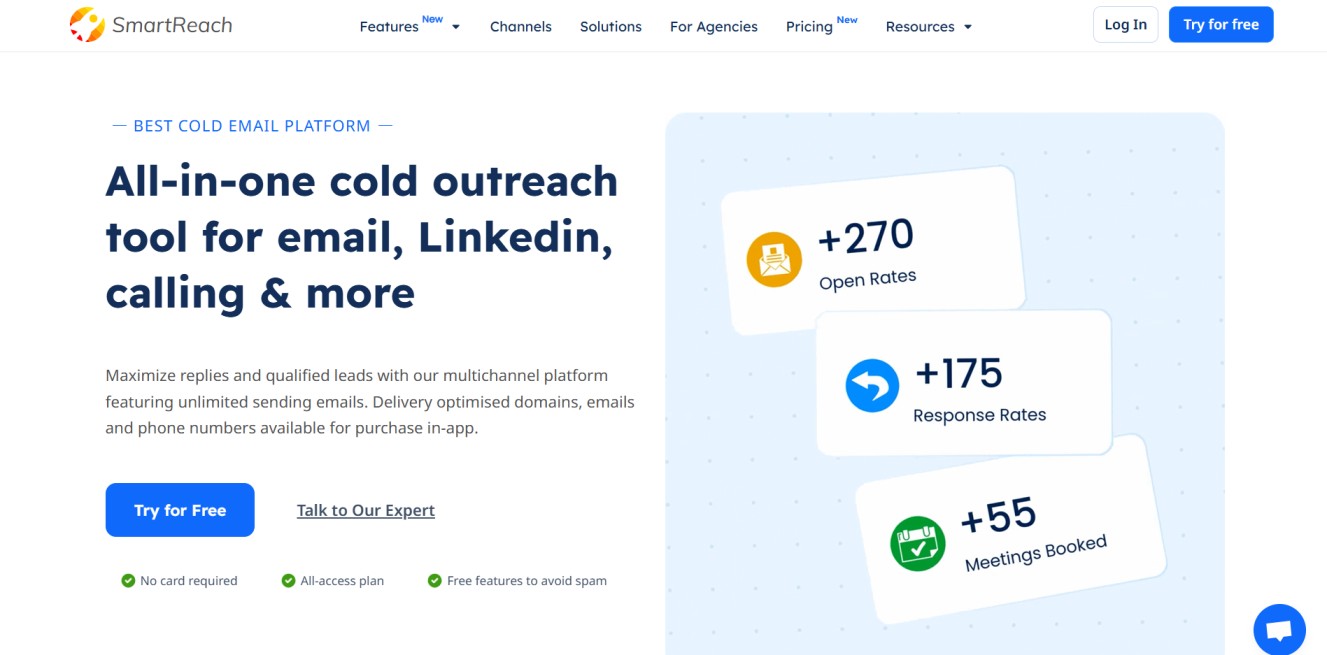
SmartReach.io is a powerful sales engagement platform that helps sales teams automate, personalize, and scale their outreach efforts. With SmartReach.io, users can manage multichannel outreach, email, LinkedIn, and calls, while maintaining high deliverability and a personal touch at every step.
Features:
- AI-powered email sequence generation
- Multichannel outreach (email, LinkedIn, call)
- Shared team inbox
- Inbox rotation for better deliverability
- Email warmup & spam prevention
- Native CRM integrations
- Advanced analytics and reporting
Benefits:
- Save hours with automated yet personalized outreach
- Maintain domain reputation with deliverability-optimized emails
- Collaborate better through shared inboxes and team visibility
- Scale campaigns confidently without risking spam flags
- Get real-time performance insights to refine outreach strategies
#5 RingCentral MVP
A complete communication and collaboration system for growing businesses.
.webp)
RingCentral is an all-in-one UCaaS platform ideal for large enterprises, healthcare, legal, or finance teams with strict and secure internal communication protocols. Combining messaging, video conferencing, and task collaboration in a single interface.
Features
- Calls, faxes, texts, and meetings from anywhere
- Integrated AI and automation techniques
- Automated SMS replies and alerts
- Customize call routing & easy scalability
- Connect over 500 integrations
Benefits
- Team messaging with task-based threads
- Fully integrated team messaging and task-sharing
- HD internal video calls with screen sharing for clarity
- Mentions and smart notifications to highlight key info
- Internal file sharing with history tracking
#6 Microsoft Teams
One of the top collaboration apps for business, bringing chat, meetings, and teamwork together.
.webp)
Microsoft Teams is a channel-based, integrated platform that allows teams to have structured chat, call, and meeting follow-ups. Microsoft 365 combines communication, collaboration, workforce, and project management all in one platform.
Features
- AI-powered assistance
- Group and one-on-one video calls
- Mentions and custom notifications
- Secure internal file sharing
- Real-time presence and status indicators
Benefits
- Real-time co-editing with Word, Excel, and PowerPoint
- Seamless meeting scheduling with Outlook
- Team and department channels for focused communication
- Built-in SharePoint for file versioning and sharing
- Loop components allow for dynamic content collaboration
Ready to keep your teams aligned and connected?

Unified Communications
Actionable Insights
Integrations That Work
Conclusion
Internal communication is not about messages; it brings clarity, accountability, and collaboration to the table. With the right internal communication system, you can provide transparent communication and simplified collaboration to the teams beyond boundaries. From automated call updates to 12-month call recordings and tailored reports, organizations can build a team that provides consistent improvements, enhances team performance, and drives overall business growth.
Frequently asked questions (FAQ)
Saravana Kumar

I’m passionate about exploring and sharing insights on modern cloud communication technologies. At TeleCMI, I focus on helping readers understand the evolving world of cloud telephony and IVR solutions in a simple yet in-depth way. My goal is to deliver genuine value by turning complex telecom concepts into clear, actionable knowledge that builds trust and drives innovation.

.webp)