What Is IVR Software? How It Works, Key Features & How to Choose in 2026

6 mins read

Posted on Oct 28, 2026

Saravana Kumar
SEO


Saravana Kumar
SEO






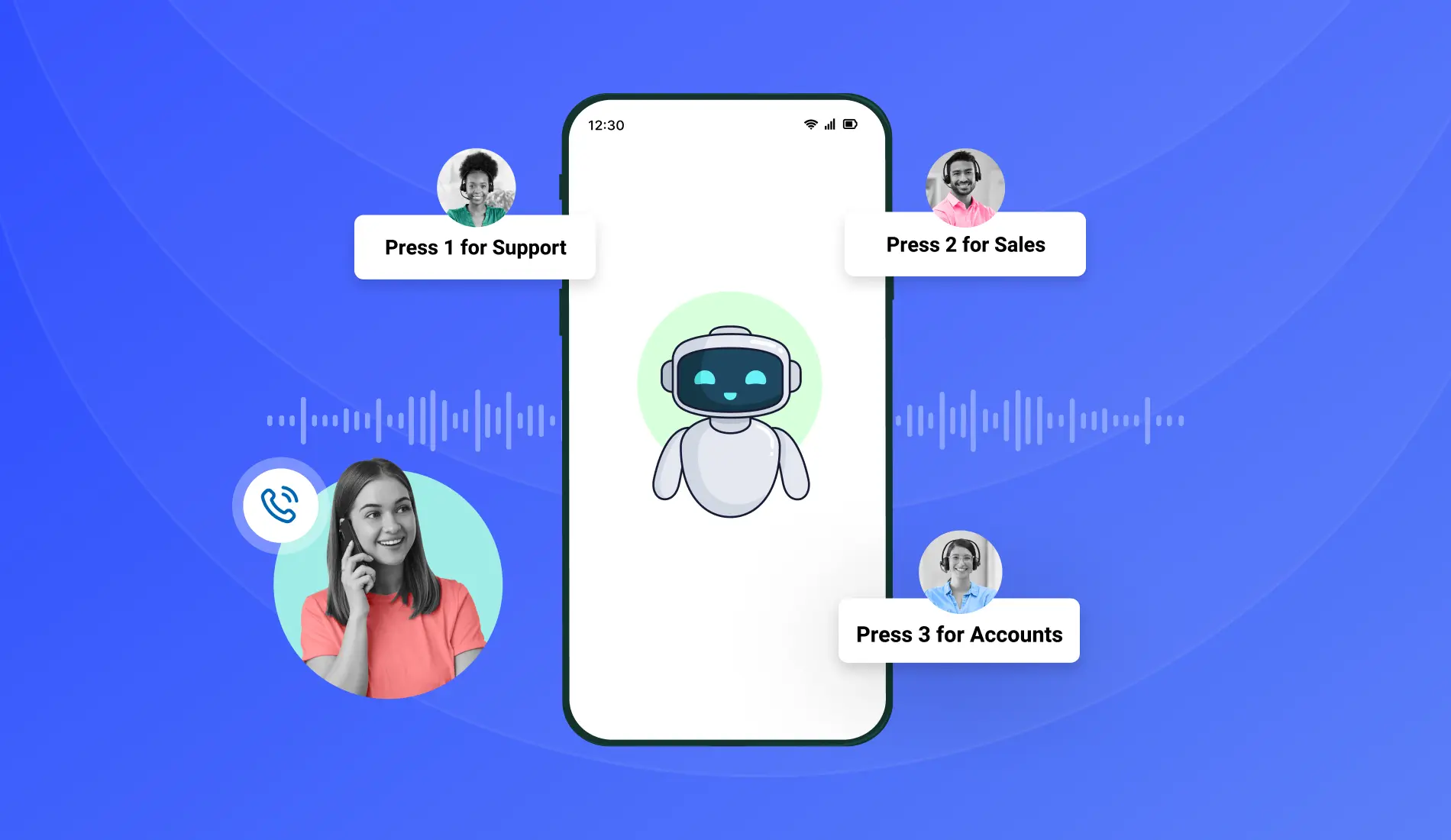
IVR software answers business calls with an automated voice menu, reads what the caller presses or says, and either routes the call to the right person or completes the task on its own.
Call almost any business line in India on a busy Monday, and the first voice you hear is often not a person. It's an IVR. Behind that short greeting, software has already looked up the caller, played the right menu, and started working out where the call should go. No receptionist is needed for that part.
The category keeps growing. Fortune Business Insights estimates the global IVR market at USD 5.81 billion in 2026 and projects it will reach USD 9.01 billion by 2034, representing about 5.6% annual growth. Teams of every size are adding it for one simple reason. A phone line that answers well at 9 AM and at 9 PM, even on a Diwali weekend, makes a business look dependable.
This guide covers what IVR software is, how a call moves through it, the four types on offer, the features worth comparing, and the checks to run before buying. By the end, the right choice for your team should be easy to spot.
How Does IVR Software Work?
A call moves through IVR software in six steps: it connects, a greeting plays, the caller responds, routing rules run, the call is resolved or handed to an agent, and the details are logged. McKinsey research on contact centers found that IVR handles about twice as many customer interactions as live-agent calls, so this flow runs more often than most people realize. Here is how a single call plays out.
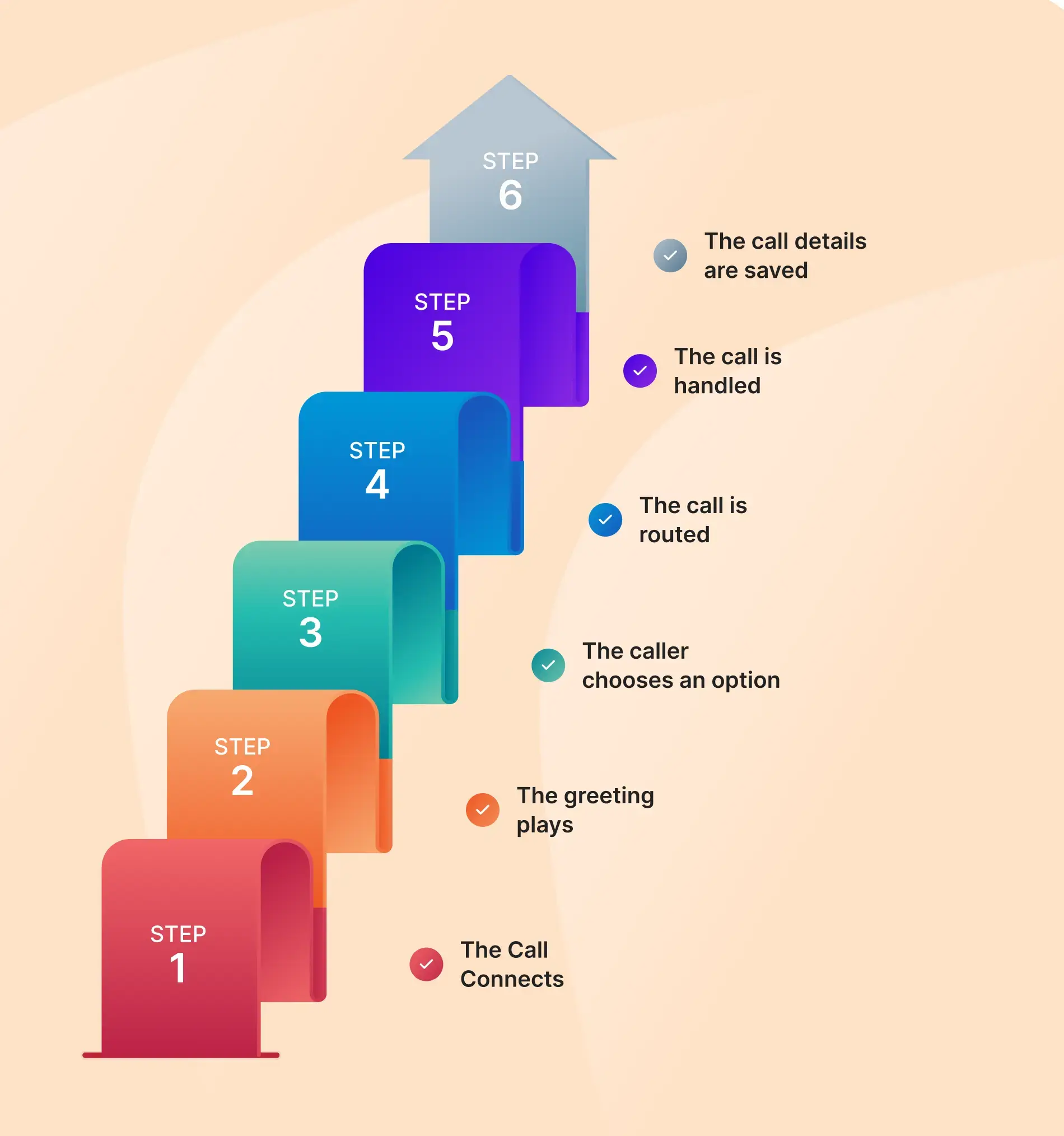
Step 1: The call connects
When a customer calls your business, the IVR system receives the call. It can check the caller’s number against your CRM and show their name and call history if they are an existing customer.
Step 2: The greeting plays
The system plays a recorded greeting or a text-to-speech message. The greeting can change based on the time, caller, or number dialed. For example, callers after business hours can hear your opening hours.
Step 3: The caller chooses an option
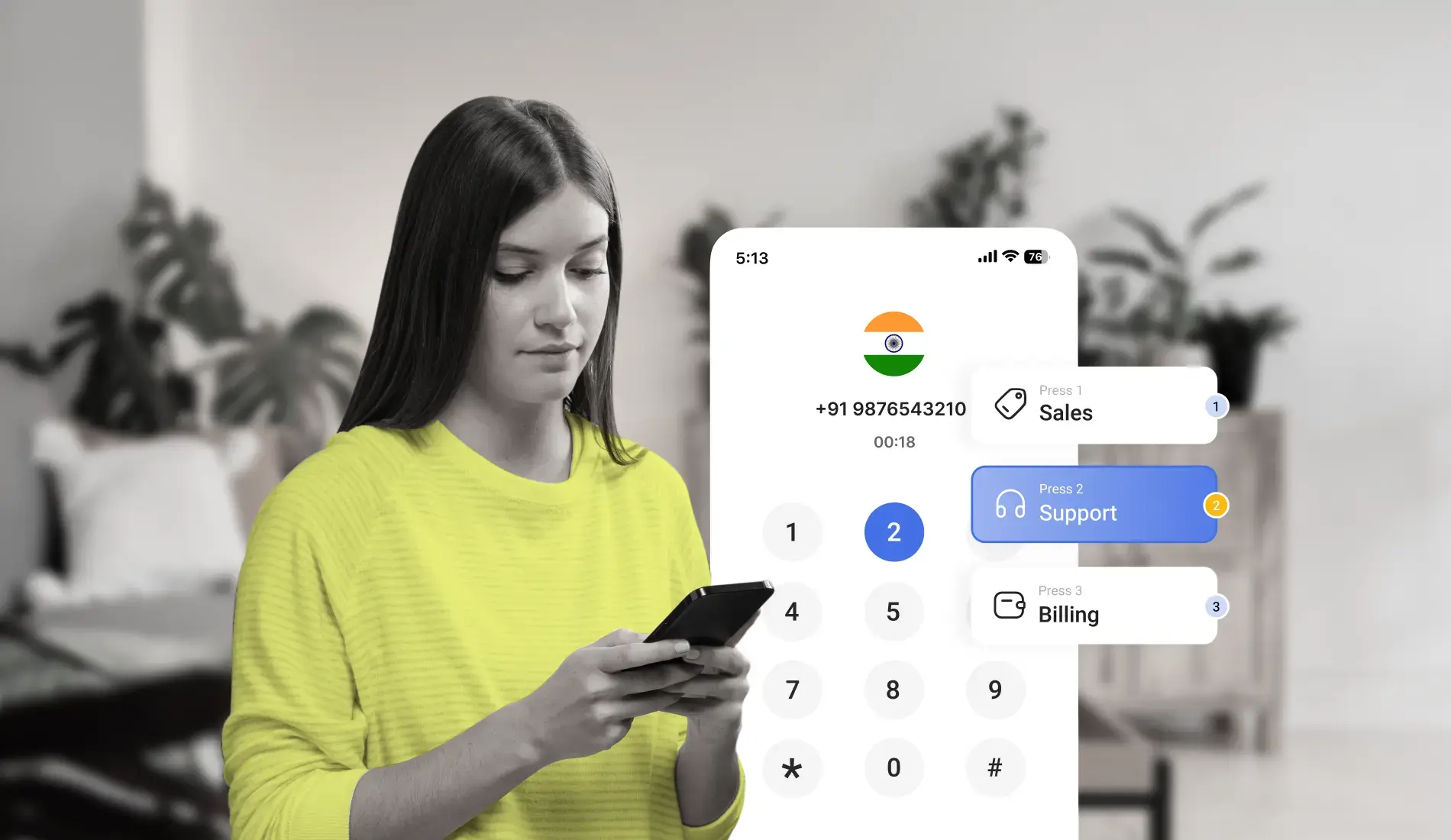
The caller can press a number on the keypad or say what they need. For example, pressing 2 or saying “billing” can take them to the billing team.
Step 4: The call is routed
The IVR follows your routing rules to direct the call to the right place. It can send calls to an agent, a department, or an automated service. It can also route calls based on working hours, agent availability, or language.
Step 5: The call is handled
The IVR can handle simple requests, such as checking an order status or business hours. If the caller needs help from a human agent, it transfers the call to an available agent and shares the caller’s details.
Step 6: The call details are saved
After the call ends, the system saves details like call time, menu choices, and transfers. It also updates the CRM automatically with the call details.
Types of IVR Software
IVR software comes in four main types: touch-tone, voice-enabled, conversational, and visual. The difference lies in how callers respond and how much language the software can understand. None of the four is best in every case. The right pick depends on how predictable the calls are and how callers like to speak.
Touch-tone (DTMF) IVR software
The classic. Callers press numbers to move through menus. It's easy to configure, works on any phone, and handles clear, structured routing very well. A business with a fixed set of departments will find it a comfortable fit.
Voice-enabled IVR software
Here, the callers can speak instead of pressing buttons. The system understands what they say and directs the call. This feels more natural, but it needs to be set up properly. In India, callers may switch between Tamil and English in the same sentence, so the system should be tested with different languages and accents before launch.
Conversational IVR software
This is the most advanced type of IVR. It understands what callers say, so they don't have to choose from a list of options. For example, a caller can ask, "Where is my order?" And the system understands the request and directs the call to the right place. This saves time and makes calling easier.
Visual IVR software
Visual IVR shows the menu on the caller’s phone screen. Callers can listen to the call and tap options on their screen instead of pressing keys. This makes it easier to find the right option and helps reduce call drop-offs, especially in noisy or busy places.
Key Features to Evaluate in IVR Software
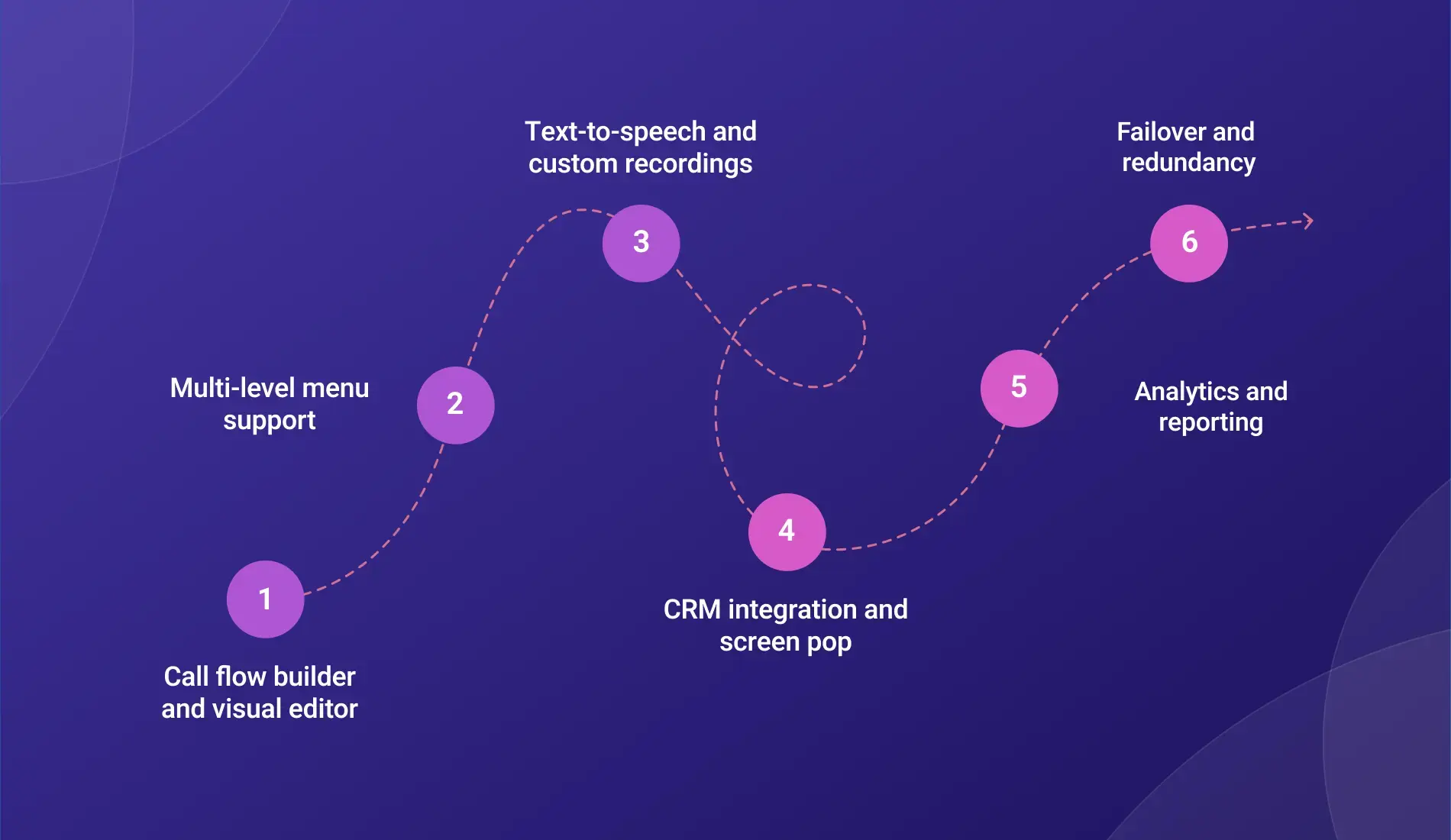
Seven features separate a strong IVR platform from a basic one: the call flow builder, multi-level menus, text-to-speech and recordings, CRM integration with screen pop, analytics, failover, and API access. Each one below comes with what it does and what to look for during a demo.
Call flow builder and visual editor
This is where you create and manage IVR menus. Some platforms let you build menus by dragging and dropping blocks, while others require coding. A visual menu builder is easier for teams without developers, as they can make changes in minutes. During a demo, ask the provider to build a simple menu to see how easy it is to use.
Multi-level menu support
A multi-level menu lets callers choose from more options at each step.
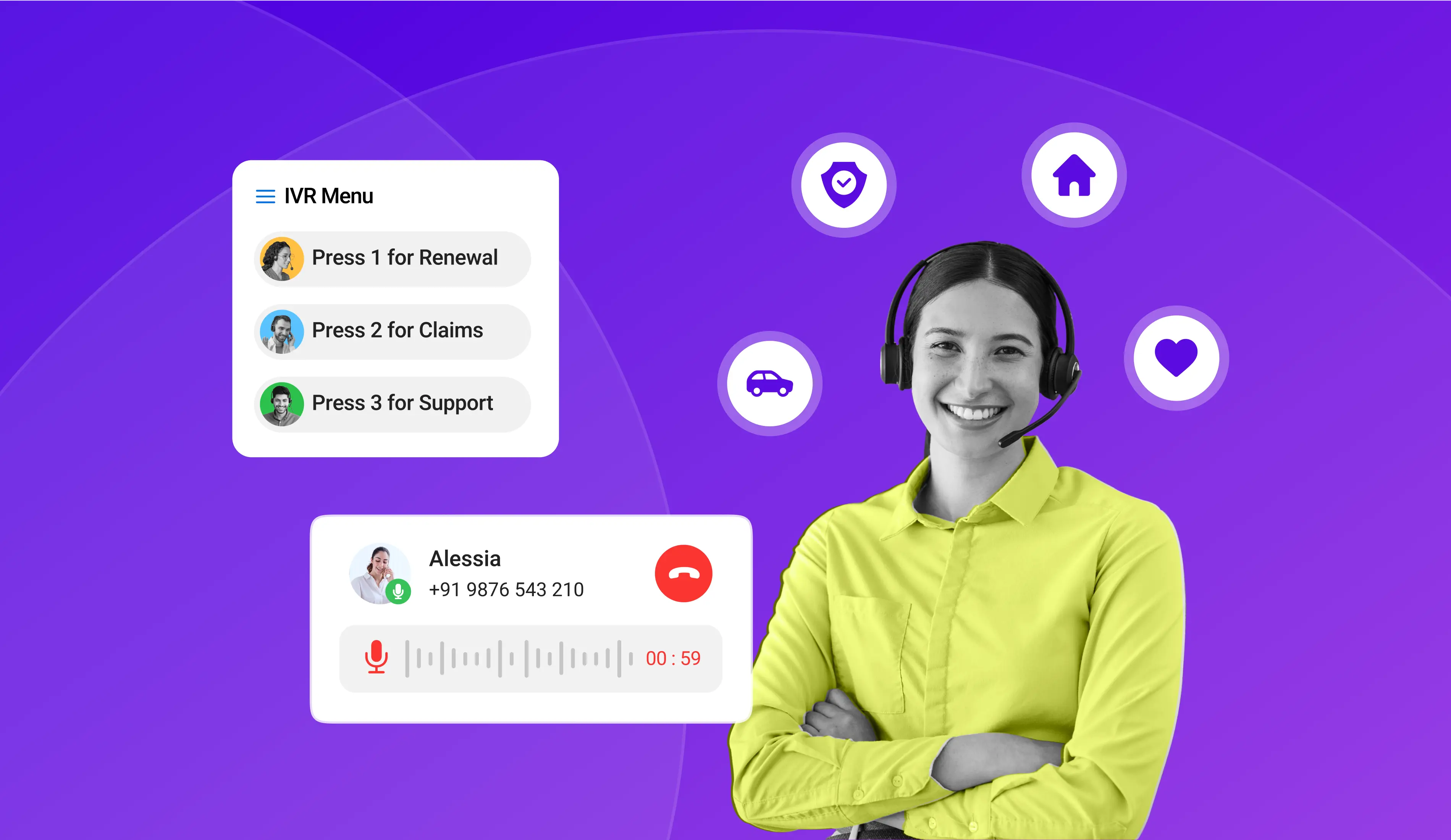
For example, they press 1 for Sales, then 1 for New Enquiry or 2 for Existing Account. Check how many menu levels the software supports and whether each menu can have its own call routing rules.
Text-to-speech and custom recordings
Written text is converted into a voice message, allowing you to create a new greeting in seconds.
Recorded audio lets you use your own voice for a personal touch. A good IVR system should offer both options. Test the voice in Hindi, Tamil, and other languages your customers speak, as the quality may vary by language.
Saravana Kumar

I’m passionate about exploring and sharing insights on modern cloud communication technologies. At TeleCMI, I focus on helping readers understand the evolving world of cloud telephony and IVR solutions in a simple yet in-depth way. My goal is to deliver genuine value by turning complex telecom concepts into clear, actionable knowledge that builds trust and drives innovation.