How to Port Your Existing Business Number to a Cloud Telephony Platform

11 mins read

Posted on May 20, 2026

Saravana Kumar
SEO


Saravana Kumar
SEO






Your business phone number is more than just a string of digits. It represents your brand, builds reputation, and strengthens customer trust. That can be used in business listing directories, printed on business cards, and stored in the customer contact list.
Most businesses are expected to lose these numbers when switching to cloud telephony, even though the migration makes sense. But we offer number porting options that let you keep your existing business number when switching to the right cloud telephony platform. In this blog post, we’ll explain all aspects of this procedure, covering the steps, number eligibility, documentation needed, etc.

Key Takeaways
 Businesses can shift to a cloud telephony system while retaining the same phone number via number porting.
- Keeping the same number will allow for continuous trust and business operations.
- Most local, mobile, toll-free, and VoIP business numbers can be ported as long as the account is active.
- The process for porting a number includes filling out all necessary account details, writing a letter of authorization, getting an account PIN, and billing.
- Planning, testing, and simultaneous setup prevent downtime for the business during the migration.
What Is Business Number Porting?
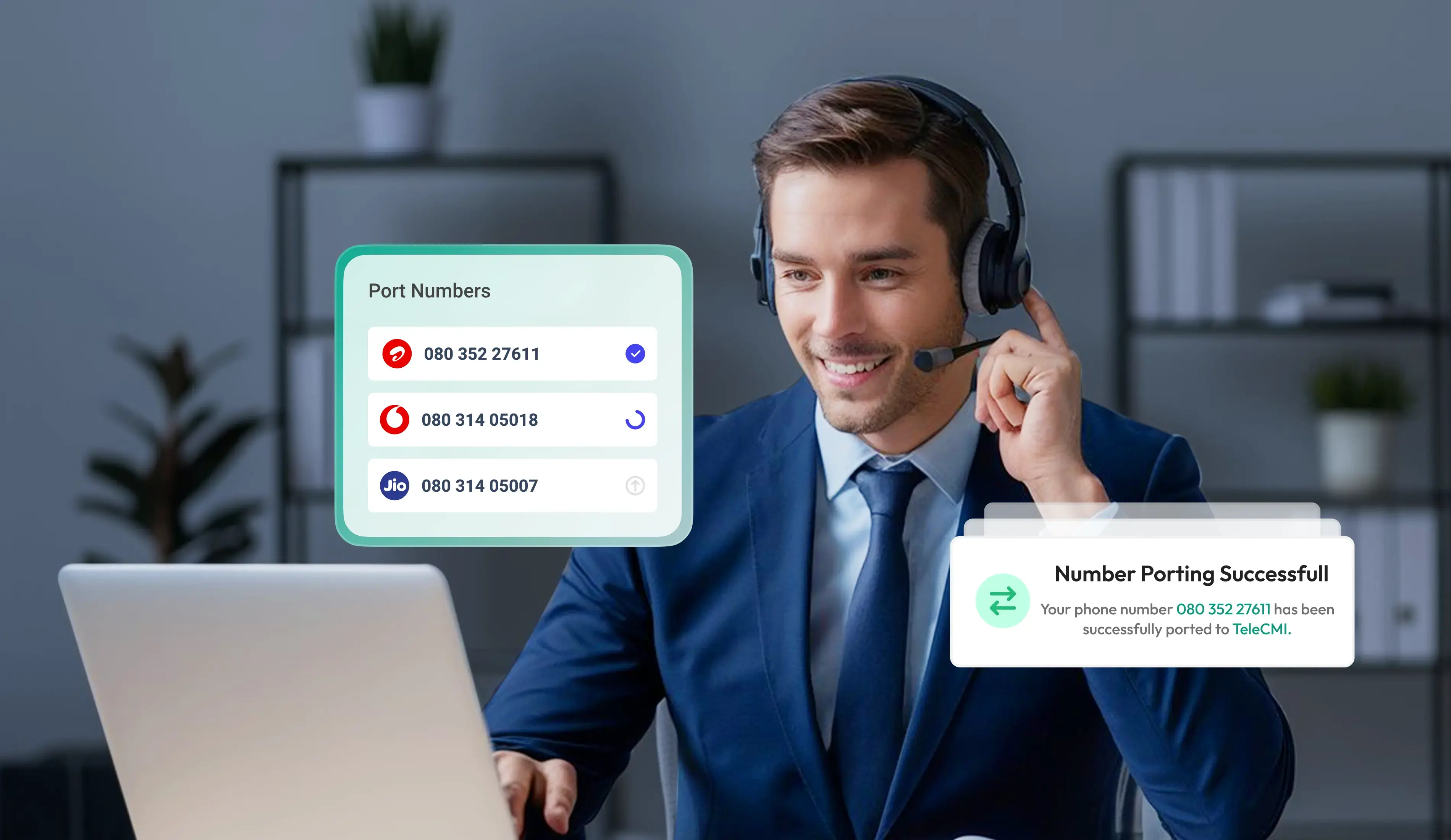
Number portability refers to the ability to move your mobile phone number from one telecom carrier to another without changing the phone number itself. If an organization chooses to port its business number to a cloud telephony solution, the number itself will remain the same while the underlying technology is replaced. In the United States, the Federal Communications Commission (FCC) requires carriers to allow customers to keep their phone numbers when they change providers. This right applies to wireless, wireline, and VoIP services.

What stays the same: Your phone number, customer relationships, and brand image will stay just as before. What changes: The infrastructure handling your calls switches to a new cloud telephony service provider.
Why Keeping Your Existing Business Number Matters
Your existing business number is already connected to your customers, marketing materials, and daily operations. Keeping the same number during a cloud telephony migration helps businesses maintain continuity while upgrading their communication system.
Benefits of keeping your existing number include:
- Maintains customer trust and brand recognition
- Prevents missed calls and lost business opportunities
- Avoids updating phone numbers across websites, ads, and business listings
- Keeps communication uninterrupted during the transition
- Preserves local presence and familiar area codes
- Makes internal onboarding easier for teams and departments
Which Business Numbers Can Be Ported to Cloud Telephony?
Most business numbers can be ported, but not all. Understanding what is portable before you start saves you from unexpected surprises mid-process.
Types of Business Numbers That Can Usually Be Ported
Business Numbers That Usually Cannot Be Ported
Certain phone numbers are incapable of being ported due to technical and regulatory constraints, among other reasons.
How to Check If Your Business Number Can Be Ported
Before transferring your business number to cloud telephony services, make sure that your current phone number is eligible for porting. Most cloud telephony providers will help you check this prior to the actual process.
Ways to Check Number Portability
Contact your new cloud telephony vendor and ask: Most vendors can readily determine whether your number is port-in-capable and any potential limitations.
Ask your old telecommunications service provider: Your old provider can tell you whether your phone number qualifies for transfer and any account restrictions.
Find out the condition of your number: Active numbers are more likely to be ported than inactive or suspended numbers.
Find out if your phone number is regionally portable: Phone numbers originating from rural areas or other countries cannot be transferred due to provider-imposed regulatory constraints.
Determine the kind of phone number you have: Local, toll-free, virtual, and mobile numbers are port-in capable; however, some PBX extensions and hard numbers are not.
What to Prepare Before Porting Your Business Number
Prior to initiating the cloud telephony number porting procedure, organizations must gather their account credentials, document ownership credentials, and make sure that their new cloud phone system setup is complete and ready for activation. Preparation can help to avoid rejection of the request for port numbers.
Pre-Porting Checklist
Account Credentials: Your company's name and address, along with other credentials, should match those on file at your service provider.
Current Service Status: You must not deactivate your current service before completing the entire porting procedure.
Collect account number and porting PIN: Your new provider will need these details to authorize the transfer request.
Download your latest phone bill: You will be asked to download your latest phone bill as evidence that you are the owner of the phone number being ported.
Sign the Letter of Authorization (LOA): The LOA must be signed for the provider to take care of the porting process on your behalf.
Verify if the number is portable: Determine if the number used in your business is capable of being moved to cloud telephony.
Setup your new cloud telephony: It is now time to set up your cloud telephony portal by configuring your users, IVR, etc.
Testing with temporary numbers: You can use temporary numbers to verify the porting process.
How to Port Your Business Number to a Cloud Telephony Platform
Choose Your New Cloud Telephony Provider
- Make sure the provider is one that shows clearly its commitment towards number porting for your kind of number.
- It should offer services specifically for your kind of telephone number, whether it be local, toll-free, or mobile numbers.
- The provider should also offer a porting schedule, customer support, and even a number portability test on your number.
Submit a Porting Request With Required Documents
- Your new provider will give you a porting request form to complete.
- Please send your signed LOA, your latest phone bill, and your account number and PIN.
- All three need to be submitted together; submitting them partially or separately delays the process.
Your New Provider Contacts the Existing Carrier
- Once your documents are submitted and verified, your cloud telephony provider submits a formal porting request to your current carrier on your behalf.
- The two carriers then coordinate the transfer.
- This stage is largely out of your hands, though your new provider should keep tabs on the status and follow up if there are any issues.
Porting Confirmation and Timeline Given
- Your current phone company will either grant or deny your porting request.
- If the request is granted, the Firm Order Commitment (FOC) date will be provided.
- If the request is denied, it is virtually always because of information errors.
Number Goes Live on the New Platform
- On the FOC date, the number transfers to your new cloud telephony platform.
- At this point, incoming calls begin routing through the new system.
- The switchover typically occurs within a specific window, often early in the morning, and the transition itself takes only seconds.
Test Calls and Configure Your Call Flow
- Right away after the number becomes live, start testing calls both ways to ensure proper routing.
- Make sure your voicemail works and your IVR prompt and hold music are all correct.
- This is the point where you can spot any mistakes that you may have made in your configuration process.

How Long Does Cloud Telephony Number Transfer Take?
Porting timelines for cloud telephony number transfers vary based on the number type and the carrier's cooperation.

Common Reasons for Number Porting Delays
Mismatches between submitted information and what the carrier has on file
Incomplete documentation submitted in stages rather than all at once
Carriers that are slow to respond or process requests internally
How to Avoid Downtime During Number Porting
With proper planning, there should be zero downtime. The key is running your old and new systems in parallel during the porting period.
- Run Both Systems in Parallel: Prepare your new cloud telephony platform ahead of the porting date. Configure your IVR system, routing, and voicemail system, and train your staff, even while using the old system.
- Use a Temporary Number: Make use of a temporary phone number when you need to test calls and workflows, and also for onboarding staff.
- Set Up Call Forwarding: Create call forwarding from your existing to your temporary phone number as an additional security measure.
Common Business Number Porting Mistakes to Avoid
- Canceling Your Old Service Too Early: Ensure that you have your existing service operational until the number porting process has been successfully completed.
- Submitting Incorrect Account Details: Minor errors in your company's name, address, or account number could result in your port request being denied or delayed.
- Not Testing Before Going Live: Conduct tests of calls, IVR menu systems, voicemail, and routing policies prior to the date of activation.
- Choosing the Wrong Provider: Verify that your chosen vendor for cloud telephony services supports the requirements for number porting.
What to Do After Your Business Number Is Ported
Once the number porting process for your business is completed, the next step would be to configure your cloud telephony system accordingly.
- IVR and Call Flow Configuration: Create your IVR menus, route your business hours, and create queues and department flows depending on your business requirements.
- Team Training: Conduct a training session for your team on how to handle calls, transfer calls, leave voicemail messages, and operate the dashboard from your telephony platform.
- Quality Check: Make sure that you have conducted all tests on your newly configured telephony system regarding routing, voice quality, voicemail services, and flow
Optimize Your Setup with TeleCMI
TeleCMI makes it easier for businesses to get started after porting with help through onboarding, straightforward IVR setup, intelligent call routing, and intuitive dashboards. Businesses are able to get their workflows set up, onboard their agents, and begin managing their customer communication easily.
Conclusion
Number porting has a reputation for being complicated, but that reputation belongs to an earlier era of telephony. With a capable cloud telephony provider handling the coordination, the port business number to cloud process is well-defined and predictable, with a clear timeline and a successful outcome for the vast majority of businesses that go through it.
You keep your number. Your customers experience no disruption. And on the other side, you gain the full flexibility, features, and cost efficiency of a modern cloud communications platform.
Frequently asked questions (FAQ)
Saravana Kumar

I’m passionate about exploring and sharing insights on modern cloud communication technologies. At TeleCMI, I focus on helping readers understand the evolving world of cloud telephony and IVR solutions in a simple yet in-depth way. My goal is to deliver genuine value by turning complex telecom concepts into clear, actionable knowledge that builds trust and drives innovation.