
Best VoIP for Customer Support Teams

13 mins read

Posted on May 15, 2026


Vignesh N
SEO


Vignesh N
SEO






A support team had 80% CSAT (Customer Satisfaction Score), well-trained agents, and solid scripts. But tickets kept reopening every week. Customers dropped mid-queue. Agents picked up calls with zero context from the last interaction.
With the above scenario, ask yourself three questions:
- Does your phone system show customer history the moment a call connects?
- Can your manager see every active call on the floor right now?
- Can agents get live coaching without the customer hearing it?
If any answer is no, you're likely facing the same hidden problem — and it's one that the right VoIP for customer service almost always traces back to infrastructure, not people.
The right customer support VoIP software ties every call to customer history, open tickets, queue data, and agent performance.
In this guide, we'll cover the best VoIP for customer support teams in 2026 — what features actually matter, which platforms deliver, and how to choose the right system for your team.

Key Takeaways
 The right VoIP for customer service connects calls to your CRM, ticketing system, and agent workflows — not just routes them
- Smart routing and IVR cut handle time and queue abandonment at the same time
- AI call summaries, sentiment analysis, and live coaching are standard on leading platforms now — not premium upgrades
- TeleCMI, Nextiva, RingCentral, Aircall, and 8×8 lead the category in 2026
- CRM integration is the difference between agents who know the customer and agents who ask them to repeat themselves
Why Customer Support Teams Need VoIP Solutions
Support runs on speed and context. Customers call when something's wrong, and they expect the person who picks up to already know who they are and what happened last time.
Old phone systems don't give agents that. They transfer calls, create hold queues, and hand managers nothing useful to act on. Cloud VoIP phone system for customer support changes what's possible. Calls route to the right agent based on skill, issue type, or customer history. CRM data loads before the agent picks up. Every interaction gets logged, scored, and available for coaching. Managers see what's happening on the floor right now, not in a Friday afternoon report.
For CEOs and founders — CSAT climbs because customers stop repeating themselves.
For CFOs — better efficiency means more resolution per headcount.
For CTOs — modern VoIP solutions integrate cleanly with whatever stack you're already running.
For Customer support managers — The performance data you previously had to estimate becomes visible in real time.
How VoIP Improves Customer Support Performance
- Faster Call Routing — Intelligent routing automatically connects customers to the most suitable agent based on issue type, skill, or customer history. When the customer is matched with an agent who can resolve their issue during the first interaction through efficient routing, first-contact resolution is also improved.
- Reduced Wait Times — Callback options, queue management, and skills-based routing all contribute to lower hold times, greatly reducing the number of customers that go through with the callback instead of the hold music. This ultimately leads to increased customer satisfaction (CSAT).
- Better Customer Experience —By knowing the customer’s name, account status, and last interaction before greeting the caller, agents can create a more personalized connection with them. When a VoIP software for helpdesk teams is integrated with a CRM, this happens automatically.
- Improved Remote Support — Agents can now connect with customers from virtually anywhere while still being able to provide the same support as when they were in the office. This is accomplished by using the same routing, same recording, and same analytics on remote agents as they do on local agents.
- Better Agent Monitoring — Managers have complete access to real-time statistics for their agents through live dashboards showing queue length, active calls, and agent-specific metrics. In addition, they have the ability to join in on a call silently, provide real-time guidance during calls, or interrupt an agent when there is an escalation.
Key Features to Look for in Customer Support VoIP Software
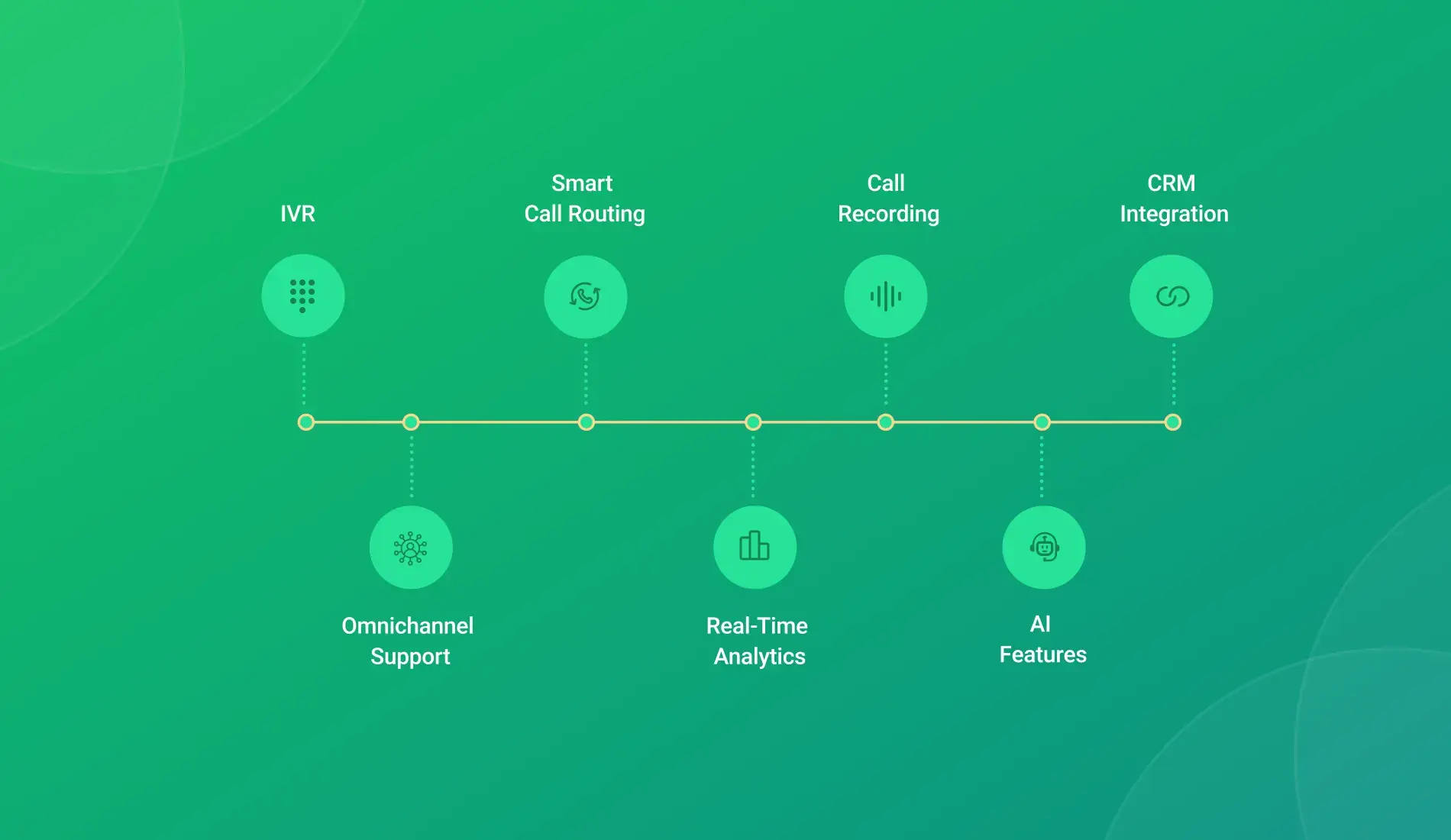
- IVR — Multi-level IVR call menus route customers based on their input. A visual IVR builder means your team can update flows without raising a ticket with IT.
- Smart Call Routing — Routes by agent skill, customer tier, issue history, or language. "Next available" is not a routing strategy. This is where first-contact resolution either holds or breaks down.
- Call Recording — Searchable, indexed recordings for QA, compliance, and coaching. Look for flexible retention settings — especially in regulated industries.
- CRM Integration — Two-way sync so customer data loads before the call and notes update automatically after. This one feature does more for agent performance than most training programs.
- Omnichannel Support — Calls, chat, email, WhatsApp VoIP — all in one agent view. Customers switch channels. Agents shouldn't have to.
- Real-Time Analytics — Queue status, agent availability, handle times, live. Decisions made on real data beat decisions made from yesterday's spreadsheet.
- AI Features — Call summaries cut post-call admin. Sentiment analysis flags frustration mid-call before it escalates. Post-call analytics find patterns across thousands of interactions. AI coaching shows what top agents do differently. These are live on leading AI-powered VoIP for customer support platforms today — not roadmap features.
Best VoIP Solutions for Customer Support Teams in 2026
1. TeleCMI
.webp)
AI-powered VoIP for customer support with fast setup, deep CRM integrations, and strong call quality across Asia-Pacific and Middle East routes. Full support stack — smart routing, live monitoring, AI summaries, omnichannel — most teams live within 48 hours.
Key Features: Multi-level IVR, skills-based routing, barge-in/whisper coaching, AI transcription and summaries, post-call analytics, sentiment analysis, HubSpot/Salesforce/Zoho/Freshdesk integrations, omnichannel, 50+ country numbers, 99.99% SLA.
Pricing: From $19/user/month. Enterprise on request.
Pros:
- Best price-to-feature ratio in the category
- Live in 48 hours — no lengthy implementation
- Strongest call quality on APAC and MEA routes
- AI features included, not gated behind higher plans
Cons:
- Smaller brand presence in North America
- Mobile app still catching up to desktop
Free Trial: 14-day free trial available.
G2 Rating: 4.8/5

2. Nextiva
Solid business VoIP for support teams with strong UCaaS features and a clean interface. Good for mid-size teams that want voice, chat, and video consolidated — reliable uptime, solid CRM options.
Key Features: Smart routing, IVR, CRM integrations, call recording, team messaging, video, real-time analytics, voicemail transcription.
Pricing: From $30/user/month.
Pros:
- Clean interface, easy for non-technical teams
- Strong uptime record — 99.999% SLA
- Voice, video, and messaging under one roof
Cons:
- AI features are partial on lower plans
- Pricing climbs quickly for larger teams
Free Trial: 7-day free trial available.
G2 Rating: 4.4/5
3. RingCentral
.webp)
Enterprise benchmark for VoIP solutions for support teams — voice, video, messaging, fax, all in one. Built for large organizations with complex compliance and communication requirements.
Key Features: Full UCaaS, AI conversation intelligence, 300+ integrations, workforce management, global PSTN coverage.
Pricing: From $20/user/month. Support features on Advanced ($25) and Ultra ($35).
Pros:
- Proven at enterprise scale
- Widest integration library in the market
- Strong compliance and security certifications
Cons:
- Admin setup has a steep learning curve
- More complexity than most support teams need
- Support quality is inconsistent at scale
Free Trial: 14-day free trial available.
G2 Rating: 4.1/5
4. Aircall
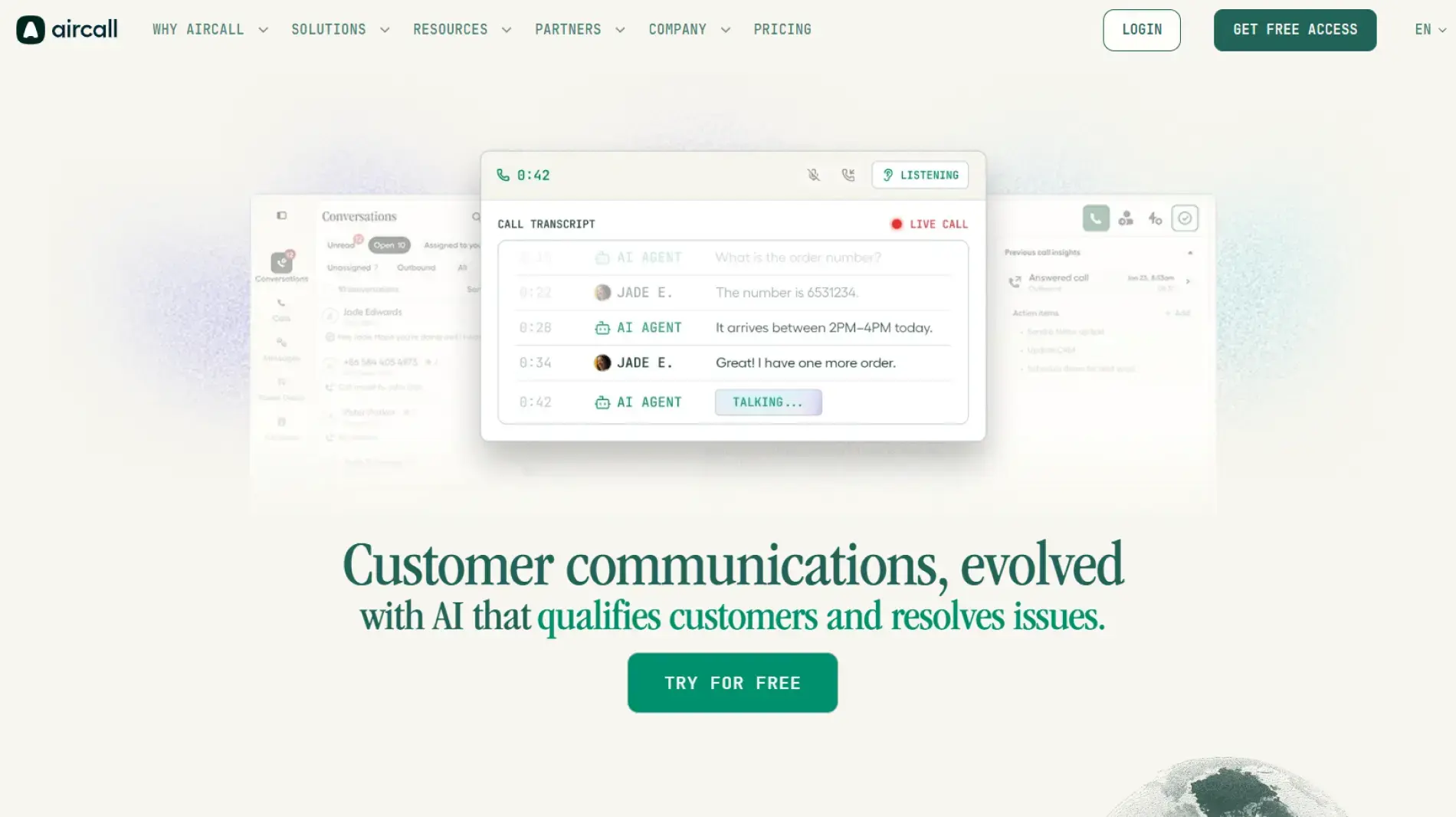
Popular customer support phone system for HubSpot and Salesforce teams. Clean interface, one of the biggest integration marketplaces in the space, reliable for core support workflows.
Key Features: Smart routing, IVR, 100+ integrations, call recording with coaching tags, live activity feed.
Pros:
- Huge integration ecosystem
- Fast onboarding for non-technical teams
- Strong HubSpot and Salesforce sync
Cons:
- Most expensive per seat of the five
- AI summaries are only on higher plans
- 3-user minimum blocks small teams
Pricing: From $40/user/month (3-user minimum).
Free Trial: 7-day free trial available.
G2 Rating: 4.3/5
5. 8×8

Global cloud VoIP for customer support with wide international coverage and a full contact center feature set. Strong fit for large distributed teams with multilingual support requirements.
Key Features: Omnichannel contact center, AI analytics, speech analytics, CRM integrations, 55+ country calling, skills-based routing, workforce management.
Pros:
- Widest international number coverage of the five
- Full contact center suite out of the box
- Strong multilingual and speech analytics
Cons:
- Highest starting price by a significant margin
- Overkill for teams under 50 agents
- Setup requires dedicated IT involvement
Pricing: Contact center plans from $85/user/month.
Free Trial: 30-day free trial available.
G2 Rating: 4.0/5
Comparison Table: Best VoIP for Customer Support Teams
How to Choose the Right VoIP for Your Support Team
Start with your actual problem, not a feature checklist.
Long queues and high abandonment? Smart routing and IVR configuration come first. Get those right, and everything else improves around them.
Agents missing customer context? CRM integration is the decision. Native two-way sync — not a Zapier bridge. Ask any vendor to demo exactly how the integration works with your specific CRM before signing anything.
Distributed or remote team? Verify that live monitoring, whisper coaching, and dashboards work identically for remote agents. Some platforms quietly limit remote functionality.
Regulated industry? Compliance certifications and recording retention controls should land on your criteria list before pricing does.
Growing fast? Check actual onboarding timelines — not marketing copy. Some platforms need weeks of configuration. Others are live in 48 hours.
Common Mistakes Businesses Make When Choosing Support VoIP Software
Leading with price. Cheaper seats rarely include the routing depth or AI features that actually shift support metrics. A bad customer experience costs more than the savings.
Treating IVR as an afterthought. Poorly built IVR is the first thing customers hit. Most teams configure it once at launch, then spend months undoing the damage. Build the call flow properly before going live.
Not testing CRM integration. "Integrates with Salesforce" can mean anything from basic call logging to full pre-call context loading. Know exactly what it does before the contract is signed.
Picking a platform agents won't use. A complicated interface gets worked around, not worked with. The best tool is the one that fits naturally into how agents already operate.
Why CRM Integration Matters for Customer Support
Every time an agent asks, "can you give me your account number?" that's a failure. Small. But it happens hundreds of times a day on teams without proper CRM sync.
When VoIP software for helpdesk teams connects natively to your CRM, the customer record is already on screen when the call connects. Name, account status, open tickets, last three interactions — all visible before the agent says a word. After the call, notes sync automatically. No manual entry. The next agent picks up exactly where the last one left off.
That continuity is what separates teams running 85% CSAT from teams stuck at 68%.
Final Verdict
The best VoIP for customer support teams in 2026 is whichever platform closes the gap between your phone system and the tools your team already uses to serve customers.
TeleCMI is the strongest all-round pick, particularly for teams across Asia, the Middle East, and emerging markets. AI features come included. CRM integrations work properly. Setup takes days, not months.
RingCentral is the enterprise standard. Nextiva fits mid-market teams consolidating voice, video, and messaging. Aircall suits HubSpot and Salesforce-first teams with integration-heavy workflows. 8×8 leads for large multilingual and globally distributed support operations.
Pick the platform that matches how your team actually works. Run a 30-day pilot. Let the numbers make the final call.
Reduce Wait Times & Improve CSAT with Smart VoIP for Customer Support

AI-Powered Customer Support
Global Virtual Numbers
AI Call Summaries & Analytics
99.99% Reliable Call Uptime
Frequently asked questions (FAQ)
Vignesh N

With deep expertise in cloud telecommunications, I help readers explore the latest trends in VoIP and modern business communication. At TeleCMI, I focus on educating businesses with clear, practical insights, making complex telecom concepts easy to understand. I’m passionate about helping organizations improve efficiency, enhance customer engagement, and adopt smarter communication strategies.

