IVR After Hours: How to Handle Calls Without Missing a Lead

14 mins read

Posted on Jul 22, 2026

Saravana Kumar
SEO


Saravana Kumar
SEO






"We are currently closed. Please leave a message after the beep."
For many businesses, IVR After Hours is the difference between capturing a lead and losing one. That short audio interaction often determines whether a prospect stays on the line or moves on. When someone calls your business at 7:30 PM, they are usually looking for a quick response. If they reach a cold, passive voicemail instead of an intelligent IVR system, they rarely leave a message. Instead, they hang up, return to their search results, and call a competitor that is prepared to handle after-hours call-handling workflows effectively.
Many businesses struggle to respond to calls outside regular working hours. While hiring a 24/7 in-house support team is often too expensive for small and growing businesses, relying on voicemail alone can result in missed opportunities and frustrated callers.
An after-hours IVR system ensures every caller is greeted, guided, and connected to the right option, even when your team is offline. This guide shows you how to set up an effective after-hours IVR to capture leads, handle urgent calls, and stay responsive without 24/7 staffing.
Why After-Hours Calls Are More Valuable Than Most Businesses Realize
Many business owners assume that anyone calling late at night is just a low-intent browser or a support issue that can wait until morning. But the reality is quite different.
Outside standard 9-to-5 working hours is often when decision-makers and consumers actually have the quiet time to research services. They compare options and make purchasing decisions usually after hours. So when a customer calls at 8:00 PM, they are usually highly motivated to solve a problem immediately.
If your business fails to answer, you may think it’s just a single phone call. But it can be the cost of the marketing campaign that brought them to your website in the first place. When there is no callback number captured, no voicemail left, and no digital record of the interaction, the lead goes completely cold within hours.
Relying on a generic voicemail system is no longer a practical strategy for after-hours call handling IVR setups. Standard voicemail is entirely passive. It places the burden of action on the caller, asking them to speak into the void with no guarantee of when or if anyone will return their call.
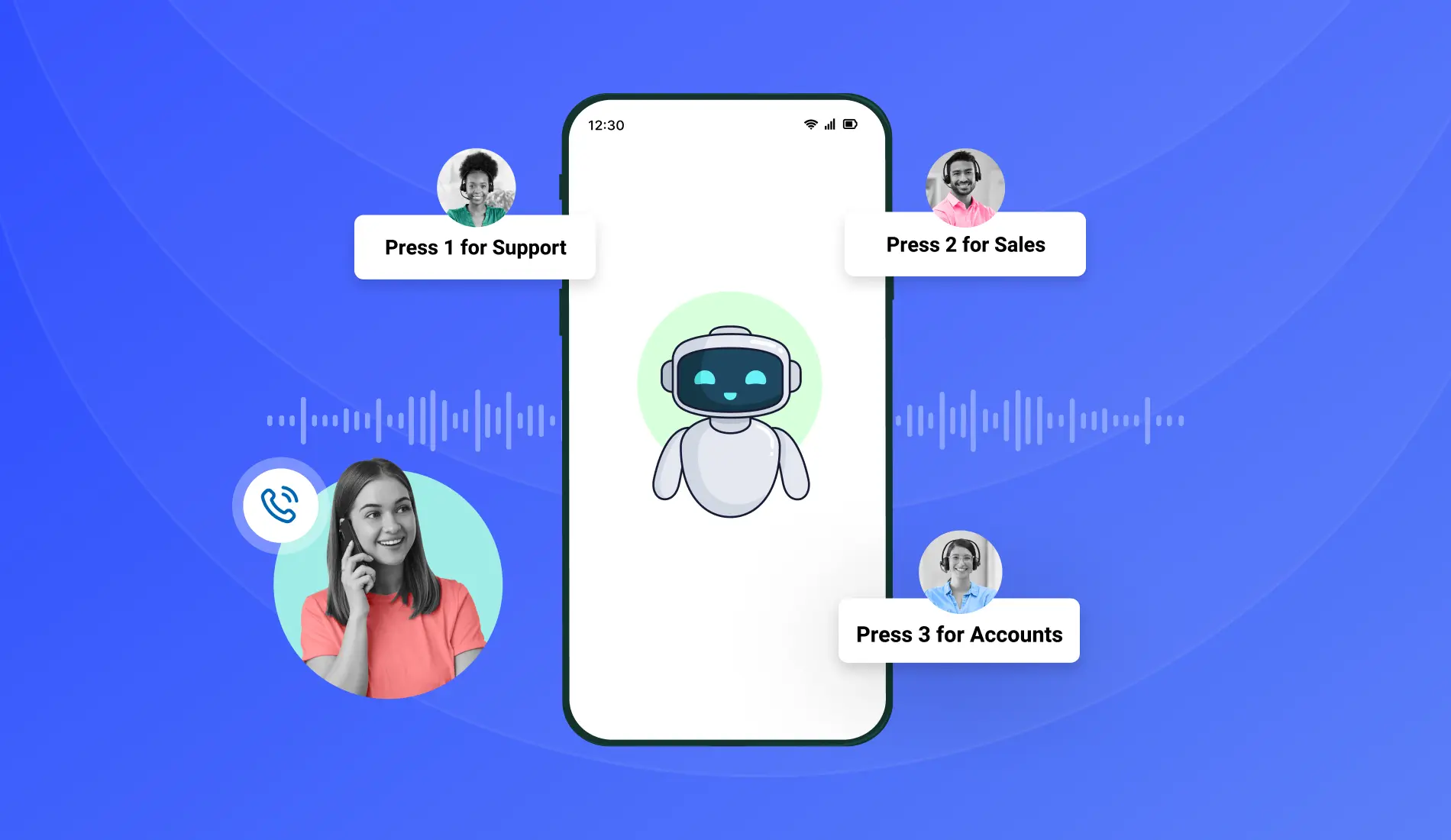
An active after-hours IVR system can completely change this scenario. Instead of a dead end, it provides the caller with clear, immediate options. It confirms their inquiry has been logged and tells them exactly when they will receive a callback. And, it can even route critical emergencies to on-call staff.
What Is After-Hours IVR and How Is It Different From a Standard IVR?
An after-hours IVR isn’t a separate system you need to purchase. It uses the same IVR technology your business relies on during working hours, with different call flows designed for when your team is unavailable. A daytime IVR typically helps connect callers with available employees, while an after-hours IVR focuses on collecting caller details, answering common questions, and directing urgent requests.

According to research published by Harvard Business Review, businesses that respond quickly to leads have a much higher chance of qualifying them. An after-hours IVR helps maintain that responsiveness by engaging callers, capturing important information, and routing urgent situations even when your team is offline.
Standard IVR vs. IVR for Missed Calls after Hours
Technically, the setup works like a simple "if/else" rule based on your calendar. You enter your opening hours, closing times, and holidays into the call flow. When a call hits the system, it checks the clock.
IF - the call comes in during business hours, it goes to your office team. ELSE - meaning it’s a weekend, holiday, or late night - the system activates your night workflow.
Once a call hits that "else" path, you decide what happens next. You can have it play a specific audio message, route the call to an on-call supervisor's mobile, or send an instant SMS alert to your staff the second a late evening call comes through.
What After-Hours IVR Can Do for Your Business
Implementing an IVR after-hours goes beyond setting up a “we are closed” audio recording. Instead, you customize your own workflow to protect your revenue and improve the customer experience.
Professional greeting at any hour
When a customer calls late at night, they wouldn’t prefer hearing the endless ringing tone. A structured after-hours greeting confirming your business name and stating clearly that your offices are closed would make it so much better. This instantly assures the caller that they have reached the right place and that their call is important.
Capture callback details automatically
When a call comes in outside operating hours, your IVR call flow can automatically direct callers to a dedicated voicemail destination to capture their details. The system prompts them to leave a message with their name and inquiry, instantly saving the audio and caller ID so your team can return the call first thing in the morning.
Route urgent calls to an on-call team member
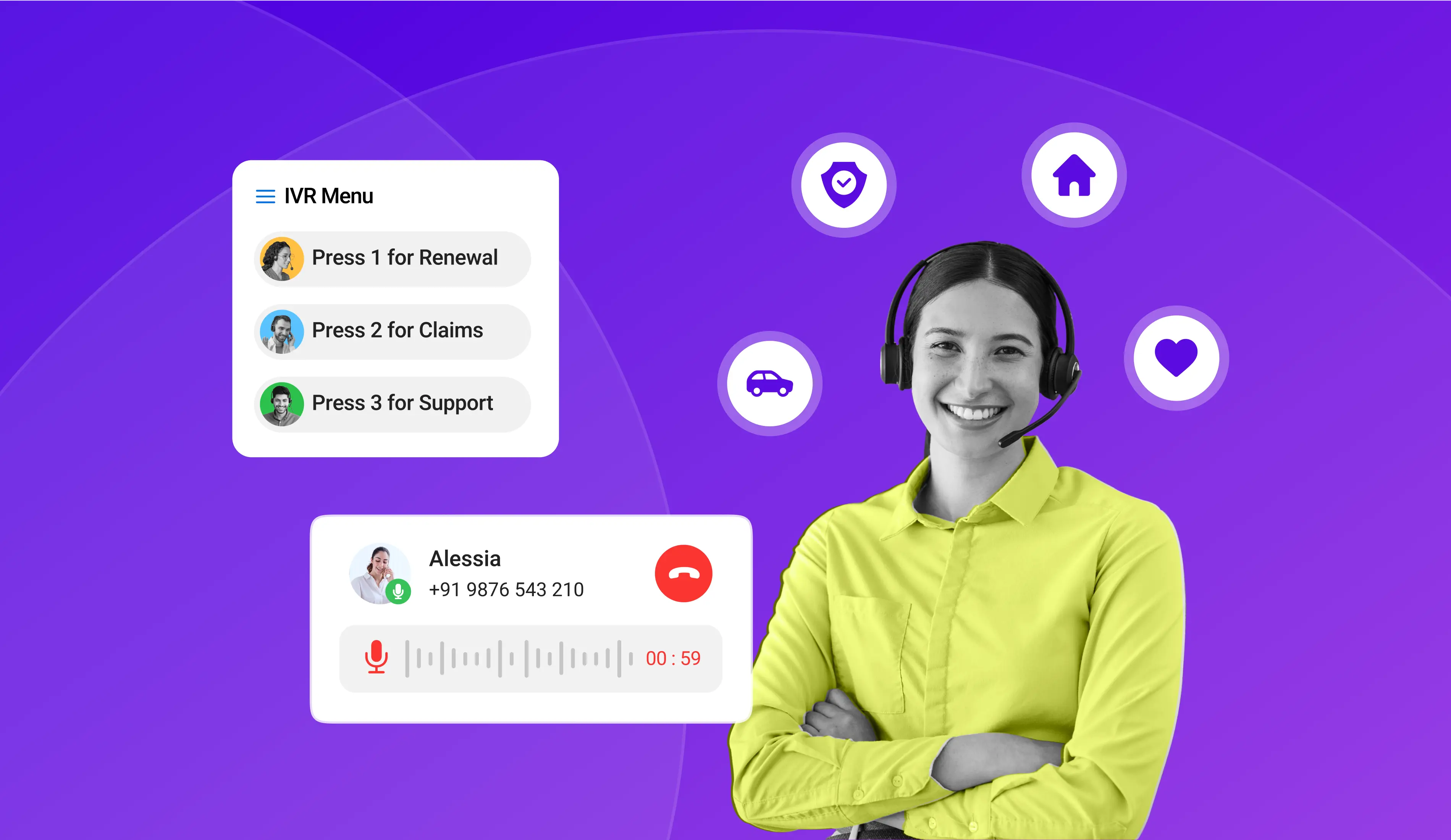
For some businesses, some emergency calls simply can’t wait till the next morning. For firms operating in logistics, healthcare, IT support, or property management, you can route after-hours calls to options such as: "For urgent emergencies, press 9." This action triggers Call Forwarding and sends the call directly to an on-call team member's mobile phone, bypassing the closed office lines entirely.
Send prompt alerts to the team
You can also send an automatic alert to your crew members whenever there’s an incoming call or missed call after office hours. Your team can also receive the caller’s number via SMS. This way, managers can monitor urgent situations or can even prepare for morning follow-ups before even reaching the office.

Never Miss Another After-Hours Lead
Turn missed calls into business opportunities with TeleCMI's intelligent IVR. Capture callback requests, route urgent calls, and automate after-hours customer communication.
How to Set Up IVR After-Hours - Step by Step
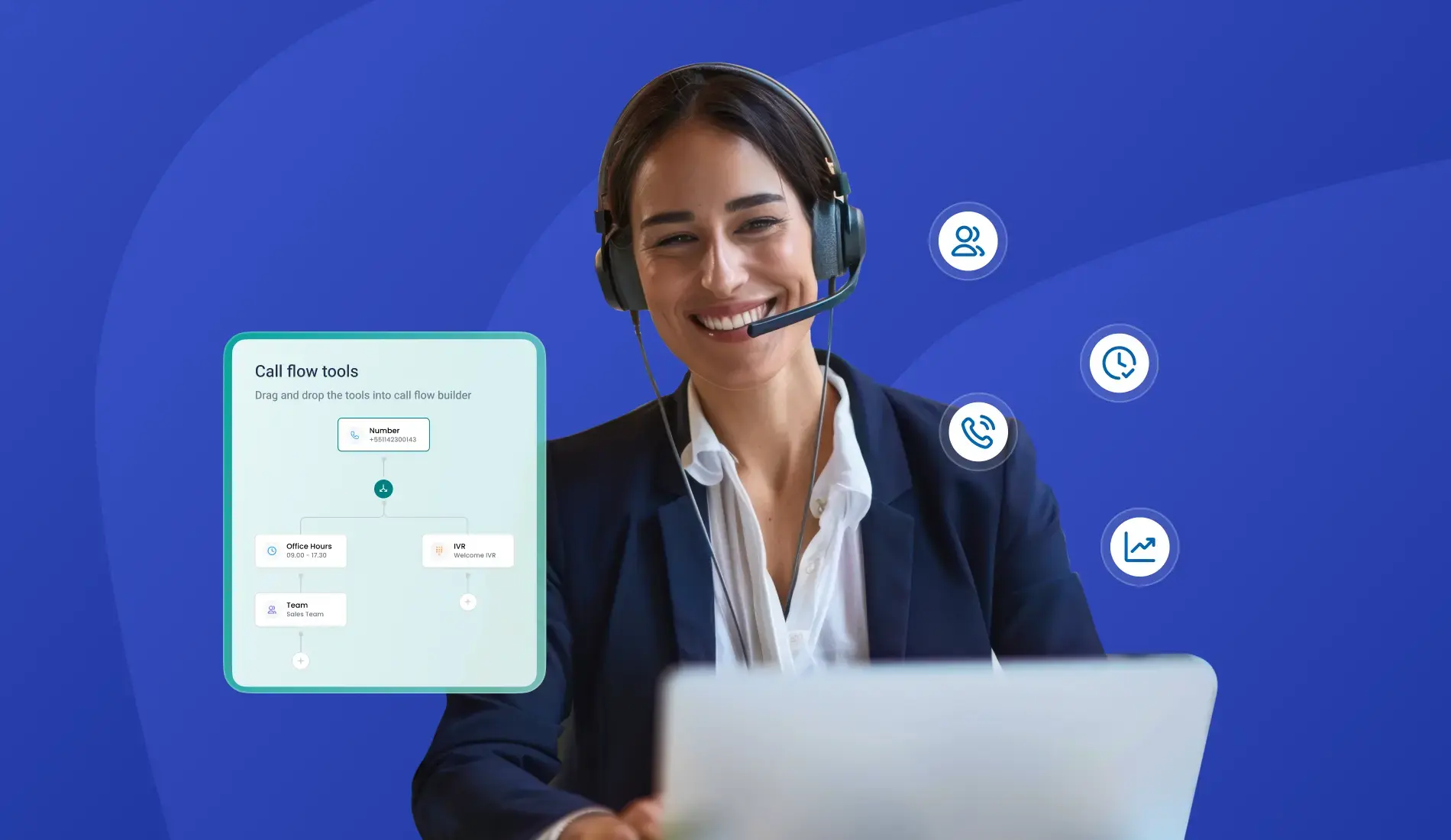
Setting up an after-hours call routing system does not require advanced programming skills. Using modern cloud telephony tools, you can configure the entire workflow using a Drag-and-Drop IVR Builder.
Below is how to set up your after-hours routing:
Step 1 - Define your business hours in the IVR system
First, head into your call flow settings to set up your standard office hours, time zone, and company holidays. This would split your incoming traffic into two distinct paths: an "if" flow (for calls coming in during open hours) and an "else" flow (for calls that land after hours). Once this is saved, any incoming call after your designated closing time will automatically route to your custom evening workflow.
Step 2 - Record a professional after-hours greeting
Next, record an audio greeting specifically for after hours. It can be something like “Thank you for calling (Your business name). Our offices are currently closed. However, we want to assist you. Please listen to the following options so we can help you as quickly as possible.”
Step 3 - Configure your after-hours menu options
Try to keep the options as minimal as possible. Callers reaching you after hours want their issues resolved quickly and wouldn’t prefer going through a complex menu.
For example:
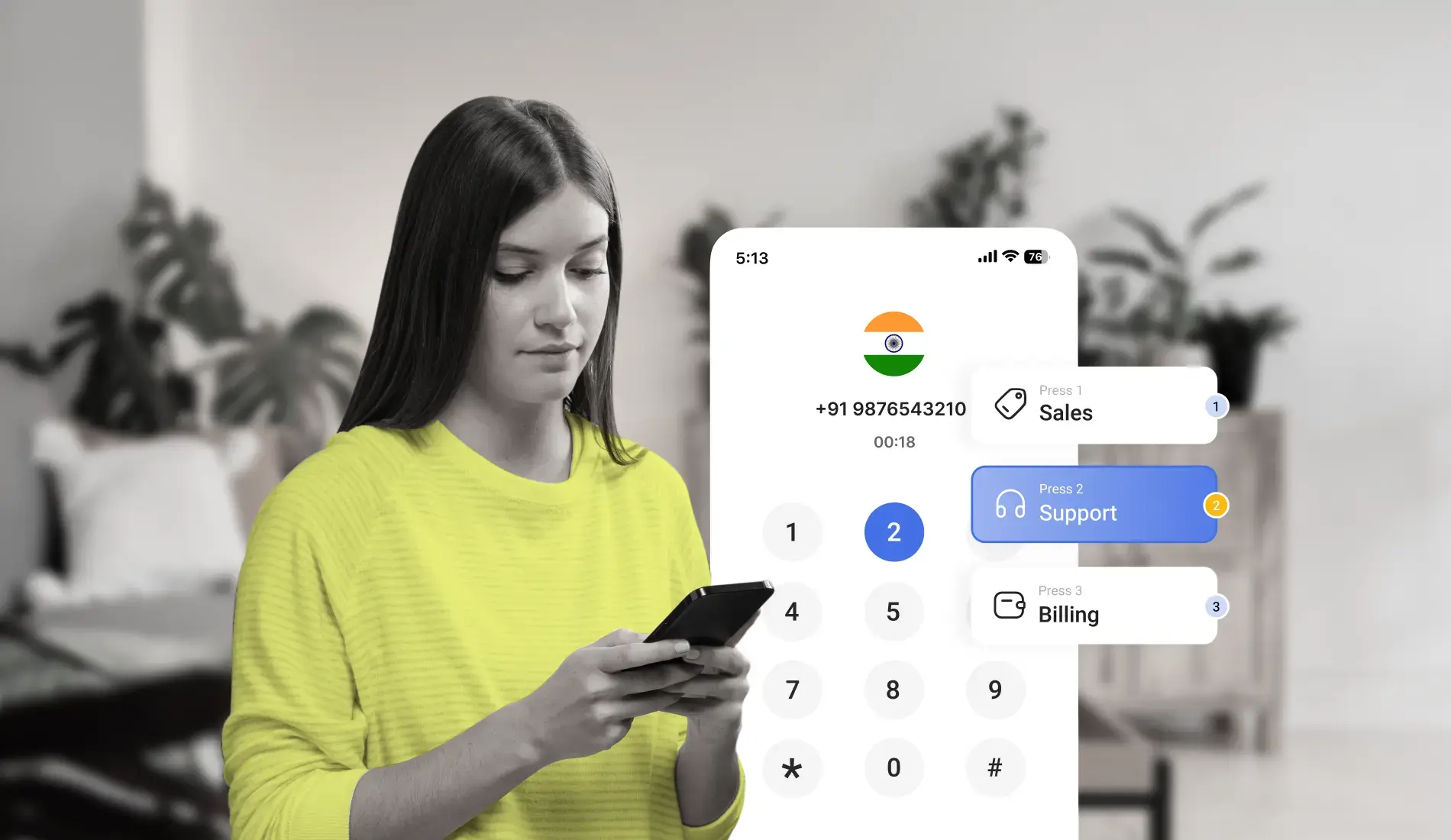
Press 1: “To listen to our office address, operational hours, and website details”
Press 2: “To request a morning callback on a priority basis”
Press 3: “For emergency calls”
Step 4 - Set up callback capture
When a caller presses "1" for a callback, you will automatically get the caller details in your dashboard. This makes sure that when your sales or customer support team logs in at 9:00 AM, the after-hours callback tasks are already assigned and waiting for them.
Step 5 - Set up the urgent call escalation route
You can also set an emergency escalation option, like "Press 3 for urgent assistance." The IVR routes the call to a designated team on a queuing basis. If the first agent is unavailable, the call can follow the predefined routing order until it reaches an available team member. This way, the critical calls don't go unanswered.
Step 6 - Test every route before going live
Make sure to test-call your own number after hours and walk through each option. Press the buttons and see if the urgent route rings the right mobile number and if the callback number landed.
After-Hours IVR for Different Business Types
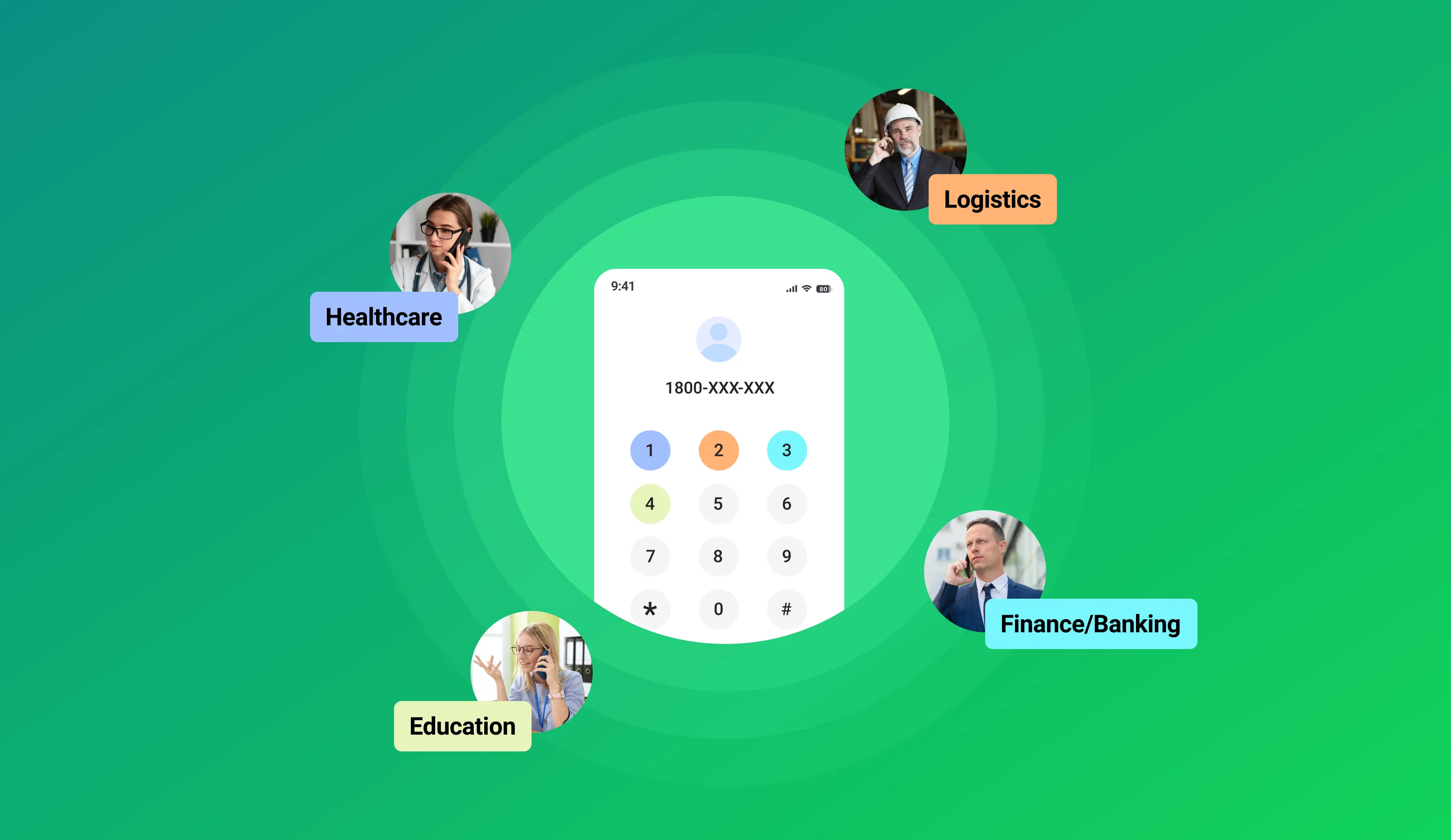
Every business receives after-hours calls for different reasons. The flexibility of an IVR system allows each organization to configure workflows that fit its customers' expectations. Timing is everything in sales outreach. Studies show that 35–50% of sales go to the vendor that responds first, and conversion rates drop significantly with every passing minute after a lead reaches out.
SMBs and Startups
By deploying an after-hours call handling IVR, an SMB can capture evening inquiries from prospects who found their website late at night. Instead of losing the deal, the system records the lead and sends an automated text message confirming that a representative will call them at a specified time the next morning.
Healthcare Clinics
Clinics deal with two kinds of after-hours calls. The actual medical concerns and routine admin. You can route the urgent ones straight to the doctor on call. Capture appointment changes and general questions as callbacks for the morning team. Everyone gets handled appropriately.
Real Estate Agencies
Many prospective home buyers tend to browse property listings in the evening after their own work shifts. If they call an agency at 8:00 PM to enquire about a listing, the IVR can direct them to enter the listing ID via their keypad, automatically logging their interest and scheduling a callback for the listing agent the following morning.
Logistics and Dispatch Companies
In shipping and delivery, delays and issues happen around the clock. A logistics provider can use an after-hours menu to filter out routine billing questions while instantly routing critical delivery failures directly to the dispatch manager on duty.
Keep Your Business Available 24/7
Set up automated after-hours IVR workflows with time-based routing, callback options, and emergency call forwarding - without hiring a night shift.
Common After-Hours IVR Mistakes to Avoid
While setting up an automated phone menu is simple, several common design mistakes can frustrate callers and push them toward your competitors.
- Using Outdated Seasonal Greetings: Leaving a "Holiday Shutdown" greeting active weeks after your team has returned to the office damages your brand's credibility. Frequently review your system greetings to ensure they reflect your current operating status.
- Making the menu too complex: Callers using an evening phone menu are often looking for quick resolutions. Avoid presenting more than three or four options. Keep the path to requesting a callback or reaching an emergency line direct and simple.
- Omitting Callback Confirmations: When a caller requests a callback, always confirm the request and let them know they should expect to hear from the team soon.
- Defaulting Entirely to Voicemail: Simply using your IVR to route every single call to a standard voicemail box defeats the purpose of interactive routing. Give callers options to hear basic information or request automated callbacks to increase engagement.
- Neglecting Missed Call Logs: Your after-hours call analytics hold valuable operational data. If you notice a high volume of calls coming in consistently between 6:00 PM and 8:00 PM, it may indicate a need to adjust your shift patterns to keep live agents on the phones during those peak hours.
What to Look for in an IVR System That Supports After-Hours Handling
If you are evaluating cloud communication platforms to manage your evening phone lines, ensure the system includes these essential features:
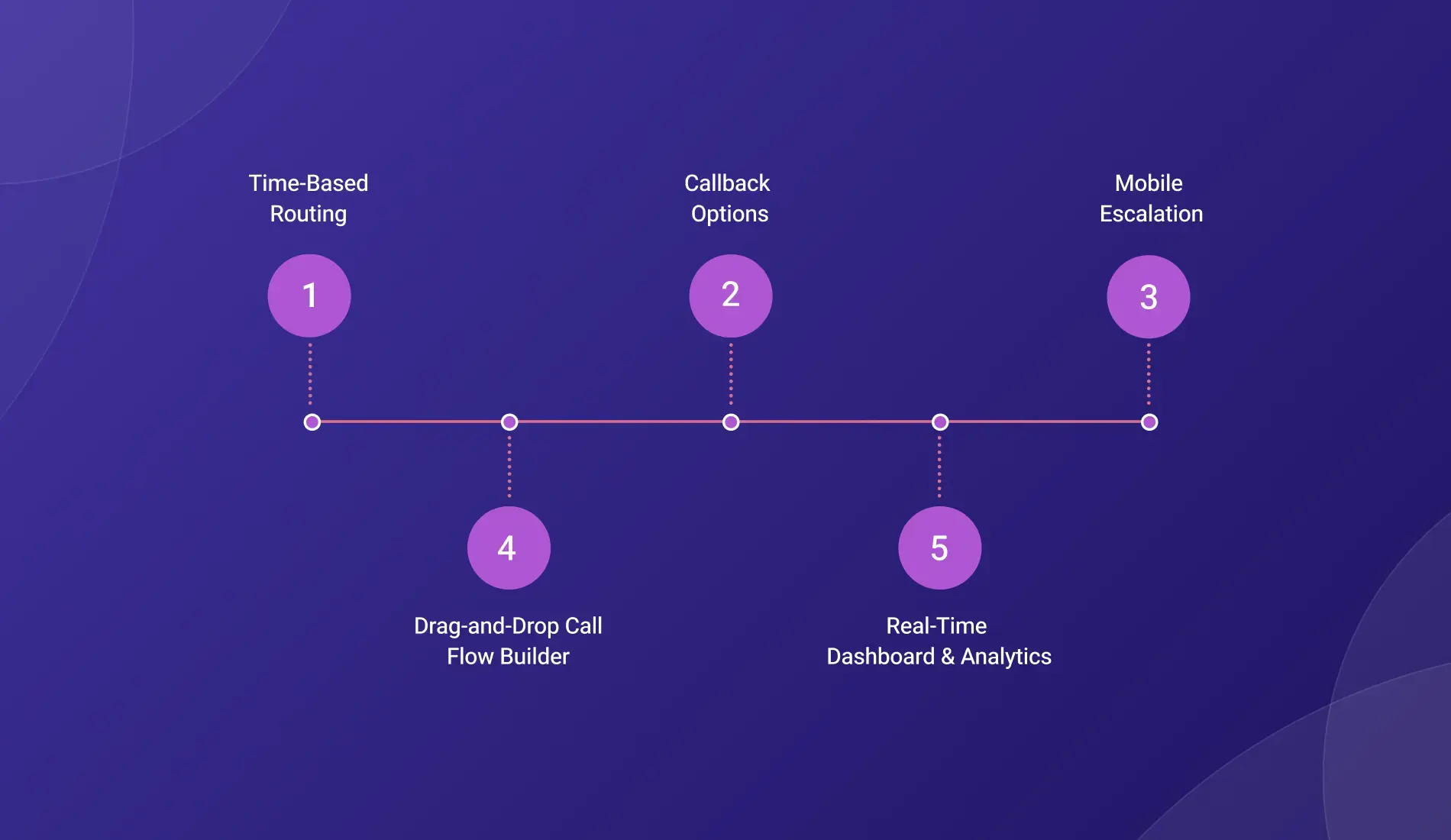
- Time-Based Routing: The ability to configure automated schedules so your phone system switches between day and night modes without manual control.
- Callback Options: Workflows that allow callers to secure a place in your morning callback queue without leaving lengthy voicemails.
- Mobile Escalation: Flexible routing that directs urgent calls straight to an on-call team member's mobile device, rather than leaving them ringing at an empty desk phone.
- Drag-and-Drop Call Flow Builder: A visual interface that lets you easily modify your call flows, update holiday greetings, and change routing paths in minutes.
- Real-Time Dashboard & Analytics: Detailed reporting to monitor after-hours call volumes, missed call trends, and staff response times.
Setup Checklist for After-Hours IVR
Bottom Line
Managing inbound calls outside of normal business hours does not require keeping your staff chained to their desks all night. By using an automated after-hours IVR system, you can ensure that every late-evening prospect is greeted professionally, provided with clear options, and safely captured as a high-value lead for your sales team.
TeleCMI makes it simple to manage evening traffic using an IVR menu and drag-and-drop Call Flow builder. You can set up a multi-level IVR, upload custom audio greetings, and assign menu options to keypad numbers. Time-based routing switches your lines to night mode automatically, logging callback requests straight to your dashboard/CRM or escalating urgent calls to an on-call manager's mobile so you never miss a lead after hours.
Stay Connected Even After Business Hours

Time-Based Routing
Automated Callback Requests
Emergency Call Escalation
CRM Integration
Multi-Level IVR
Frequently asked questions (FAQ)
Saravana Kumar

I’m passionate about exploring and sharing insights on modern cloud communication technologies. At TeleCMI, I focus on helping readers understand the evolving world of cloud telephony and IVR solutions in a simple yet in-depth way. My goal is to deliver genuine value by turning complex telecom concepts into clear, actionable knowledge that builds trust and drives innovation.