Best Cloud PBX for Small Businesses in 2026 - A Complete Buyer’s Guide

10 mins read

Posted on May 05, 2026


Saravana Kumar
SEO


Saravana Kumar
SEO






Let's be honest
In a small business environment, telephone equipment installation might not be considered a priority. You could be using your mobile number alongside a colleague, or perhaps your company uses a simple office line that rings randomly wherever someone happens to be present. It gets the job done, sort of.
This is when a cloud-based PBX solution becomes relevant.
Even though the majority of small firms still haven’t realized their power, it could become the best choice they make in 2026. You would get all the advantages of a professional enterprise phone system for much less money.
This article will discuss the definition of a cloud PBX system, its significance in terms of a small enterprise, the features that should be considered, and how you can select one.

Key Takeaways
 Cloud PBX refers to an internet-based telephone system that eliminates the requirement for on-premises hardware installations and cuts costs.
- It helps a small business handle its calls efficiently by incorporating useful features such as IVR system, call routing, voicemail, and call analysis capabilities.
- The ideal choice of a cloud PBX 2026 for small business applications includes remote working capability, whereby the workforce communicates without having to be present in an office environment.
- This would depend on the number of employees and the ease with which the software would interface with other applications.
What is Cloud PBX?
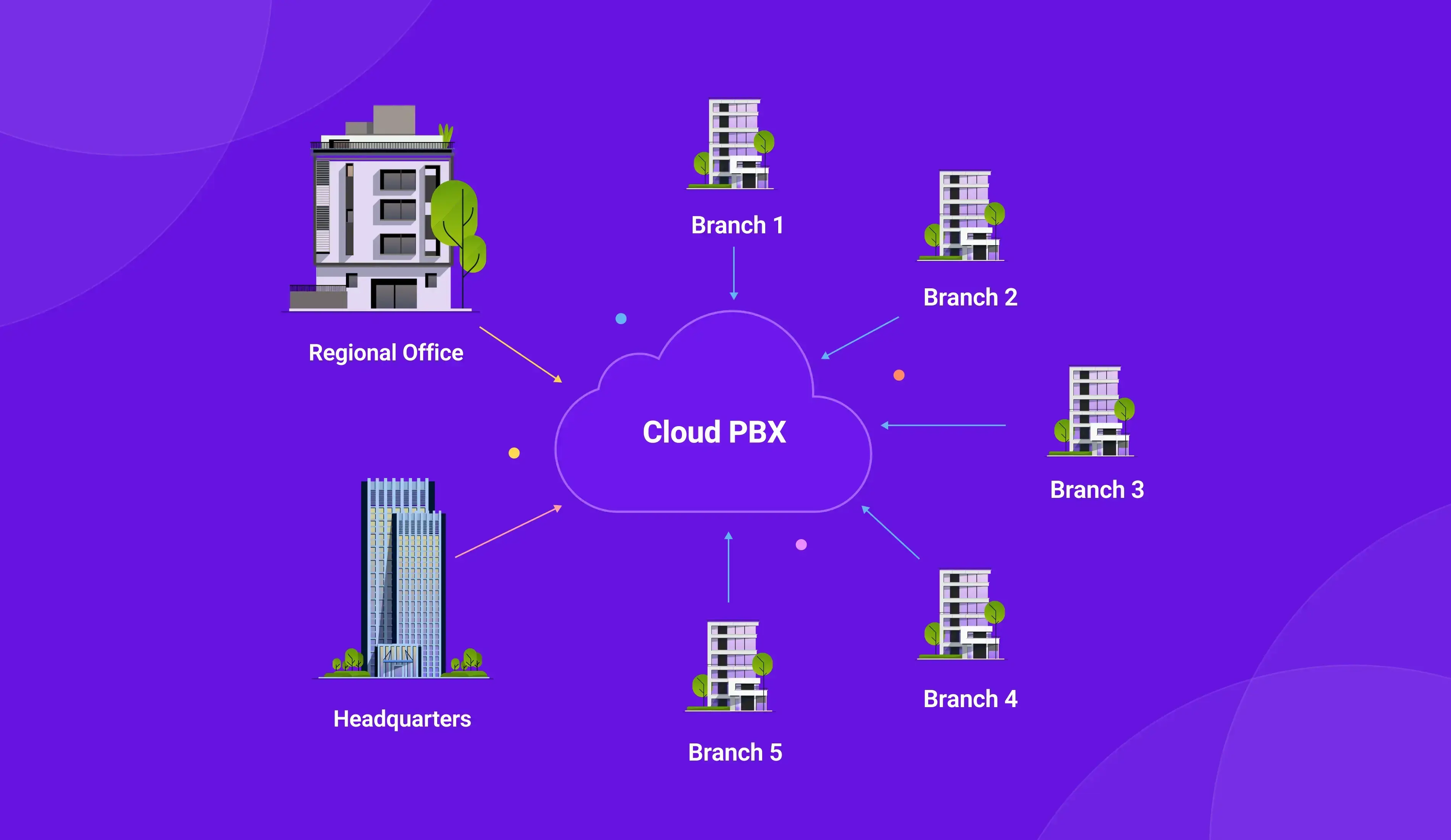
A cloud PBX is a business phone system hosted online that manages calls, extensions, IVR, voicemail, and routing, without any on-site hardware. Your team can make and receive professional business calls from anywhere, on a desk phone, a laptop, or a mobile device.
Three things define cloud PBX:
- Internet-based: All call processing happens in the cloud, not in your office.
- Subscription-based: You pay per user on a monthly basis and avoid huge upfront costs.
- Scalable: Users can be easily added or deleted in a matter of seconds.

Stay connected, sound professional, and scale faster with a cloud PBX built for small businesses
Schedule a DemoWhy Small Businesses Are Actually Making the Switch
Here's the thing: Cloud PBX wasn't originally designed with small businesses in mind. Enterprise companies adopted it first. But the pricing has come down, the setup has gotten simpler, and now it genuinely makes sense even for a team of four.
The problems it solves are pretty relatable:
- You don’t want to employ a receptionist to simply answer calls. The auto attendant will greet callers, explain the menu, and direct callers to the appropriate personnel.
- You never know when your staff is going to be available to answer calls. Should your employees be working from home, from your client’s site, or traveling, your business phone number will allow you to connect to your staff no matter where they are.
- You need to look bigger than you are. This may sound cynical, but it is a sad truth that your clients will judge the professionalism of your communications. A hold message, proper call distribution, and voicemail-to-email services can turn a struggling start-up into a legitimate organization.
- You're tired of the setup taking forever. Most cloud PBX platforms are live within a day. Compare that to traditional systems, where you're waiting weeks for hardware installation.
Key Features of Cloud PBX for Small and Growing Teams
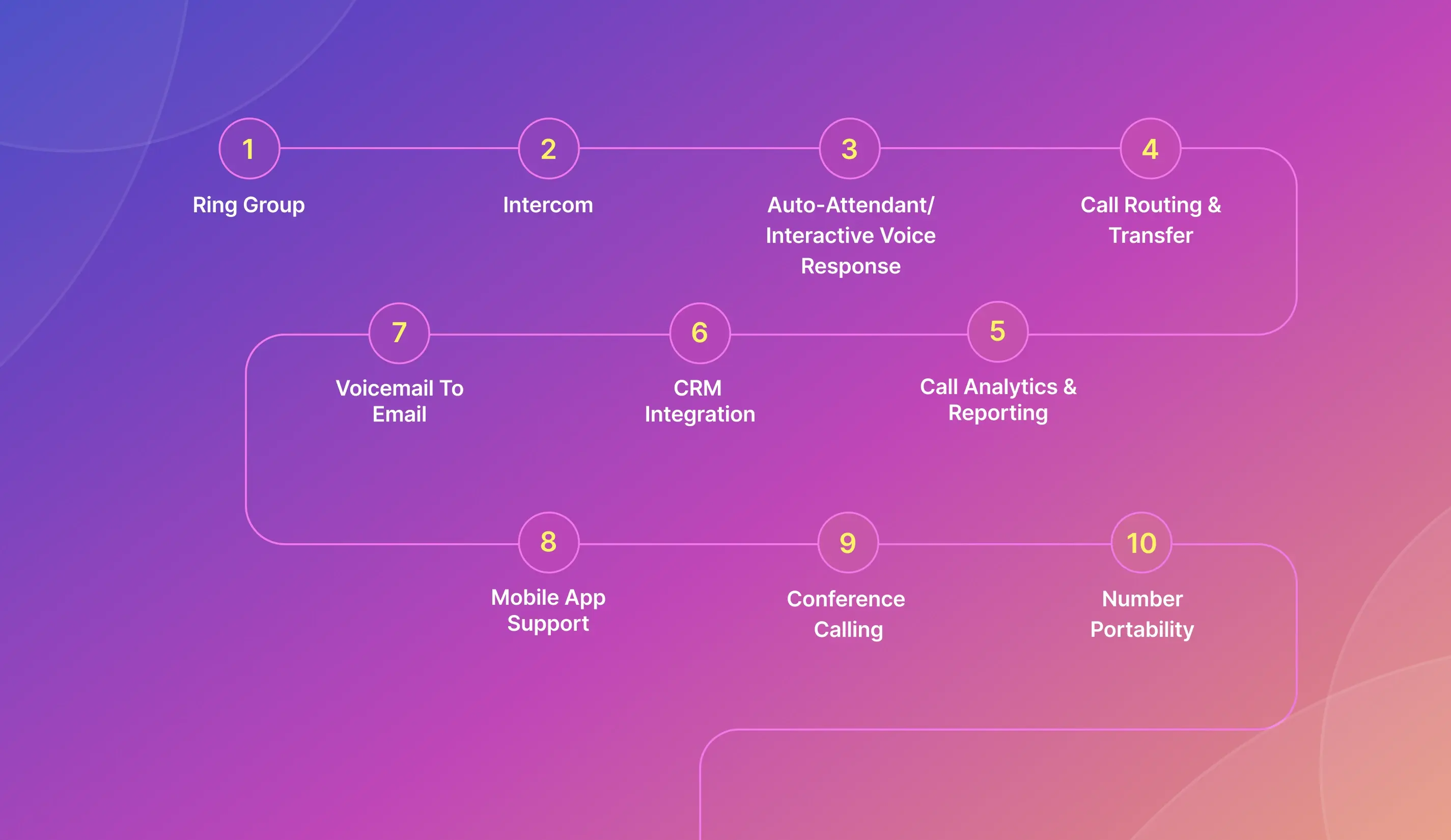
Cloud PBX provides a dependable solution for business communications via a cloud-based system with features that improve accessibility, control, and overall efficiency.
- Ring Group: Allows calling several extensions simultaneously or consecutively so that the call will be answered by the first person who becomes available.
- Intercom: Facilitates immediate internal communication among users through extension numbers rather than separate phone numbers.
- Auto-Attendant/Interactive Voice Response: Pick up calls based on the voice selections from the menu, routing the call to the right department/personnel.
- Call Routing & Transfer: Route the call to other devices such as desktop telephones, mobile phones, laptops, depending on preconfigured rules like time of day, etc.
- Voicemail to Email: Convert the voicemail into an audio recording and forward the voicemail via email to you.
- CRM Integration: It can be integrated with CRM applications such as Salesforce, HubSpot, and Zoho to log calls and also customer details.
- Call Analytics & Reporting: Provides live call analytics for the number of calls, wait time, agent productivity, etc.
- Mobile App Support: Helps users make business calls from their cellphones.
- Conference Calling: Allows multi-party calling directly from within the system without any other conferencing tool required.
- Number Portability: Let's businesses retain their existing phone numbers when moving to a new service provider, avoiding disruption.
Pros and Cons of Cloud PBX
Curious if this suits your business?
Take a closer look at cloud PBX features and see how it improves daily communication.
Why Small Businesses Prefer Cloud PBX in 2026
Small businesses have historically been underserved by phone technology. Here’s why small business owners are switching in growing numbers:
Pain Points Cloud PBX Solves
- Cost: Lower upfront costs No server rooms, no desk phone infrastructure, no installation fees. You pay monthly, per user, and only for what you need.
- Flexibility: Easy remote working Your team’s business number goes wherever they go. A sales rep working from home answers the same number as someone in the office.
- Speed: Fast setup Most cloud PBX platforms are live within a day. You don’t wait weeks for hardware procurement and installation.
- Scalability: Add users instantly Hiring two new team members this week? Add their extensions in minutes, no cabling, no hardware, no IT department needed.
- Image: Better professionalism IVR menus, custom hold music, call queues, and voicemail-to-email make a 5-person company sound like a 50-person operation.
Cloud PBX vs Traditional PBX
It helps to understand where cloud PBX fits relative to your other options:
What Small Businesses Should Look for Before Choosing?
Not every cloud PBX is built the same. Here are the criteria that matter most when you’re evaluating options, especially as a small business where every dollar and every hour counts.
Pricing Transparency
Avoid providers who have complicated pricing plans, fees for standard features, or contracts with cancellation fees. The best cloud PBX system for a small business offers transparent pricing, charges on a per-user basis, and allows you to not sign annual contracts without first trying out the system.
Mobile App Quality
A strong iOS and Android app, one that lets staff make calls on their business number, check voicemail, and transfer calls, is no longer optional. Test it before you commit.
IVR / Auto-Attendant
IVR allows callers to get greeted and then directed accordingly. This is the only feature in the list that greatly boosts your company’s professionalism from a customer perspective. Look for multiple level IVR functionality, time-based routing, and easy customization.
Integration with CRM
In case your staff is making use of any form of CRM software like HubSpot, Salesforce, or Zoho, the call platform needs to be able to work in conjunction with the CRM tool as well. Click-to-call functionality, auto-log, and details of the caller appearing on your screen will definitely save you lots of time.
Availability
Ensure that your provider offers a service level agreement (SLA) that guarantees at least 99.9% uptime. You can check out independent review platforms like G2 and GetVoIP for user feedback.
Call Quality
HD voice and codec support (G.722 is a good sign) matters for customer experience. Many providers offer a free trial period; use it to test call quality across your team’s devices and internet connections.
Customer Support
When something breaks, you need help fast. Prioritize providers that offer 24/7 support via phone or live chat, not just email tickets with 48-hour response windows.
Why Consider TeleCMI for Small Enterprises
TeleCMI should be considered carefully, not because it’s right for all cases, but because its features match very well what small enterprises actually require.
Limited resources
Hiring a receptionist or maintaining hardware is not always practical. A cloud PBX replaces that with features like IVR and call routing.
Growing customer interactions
Even a small team can handle dozens of calls daily. Managing them manually leads to errors and missed opportunities.
Remote or hybrid work
Teams are rarely in one place now. A cloud PBX allows employees to take business calls from any device, wherever they are.
Need for a professional image
Customers judge businesses by how they communicate. A proper phone system gives structure, even if the team is small.
Scalability
A business with ten employees today may have twenty next year. Cloud PBX systems grow without requiring new infrastructure.
Start exploring cloud PBX options today
Find a solution that matches your team’s size, budget, and communication needs
How to Choose the Right Cloud PBX for Your Business Size
The best cloud PBX for your business depends on where you are right now and where you expect to be in 12 months. Here’s a practical framework by team size:
Business Size Core Needs Must-Have Features
Conclusion
Choosing the right cloud PBX service provider depends entirely on the company's current needs and future expectations. The difference is only in the sophistication level, which is available even for a small team. With the cloud PBX service, the company will have an opportunity to regulate its phone calls in an organized way with no need for capital expenses. The usage of tools like call routing, IVR, mobile phone, etc., will help to conduct professional yet flexible work.
In case the company is still using regular mobile phones or landlines, it is time to think about changing that option. The technologies involved in providing the services are robust and inexpensive. It would be wise to test out different tools and see which one suits you best.
Start Using Cloud PBX
Transform Your Business Communication Now, Stop missing calls and start managing them smarter
Frequently asked questions (FAQ)
Saravana Kumar

I’m passionate about exploring and sharing insights on modern cloud communication technologies. At TeleCMI, I focus on helping readers understand the evolving world of cloud telephony and IVR solutions in a simple yet in-depth way. My goal is to deliver genuine value by turning complex telecom concepts into clear, actionable knowledge that builds trust and drives innovation.

.webp)