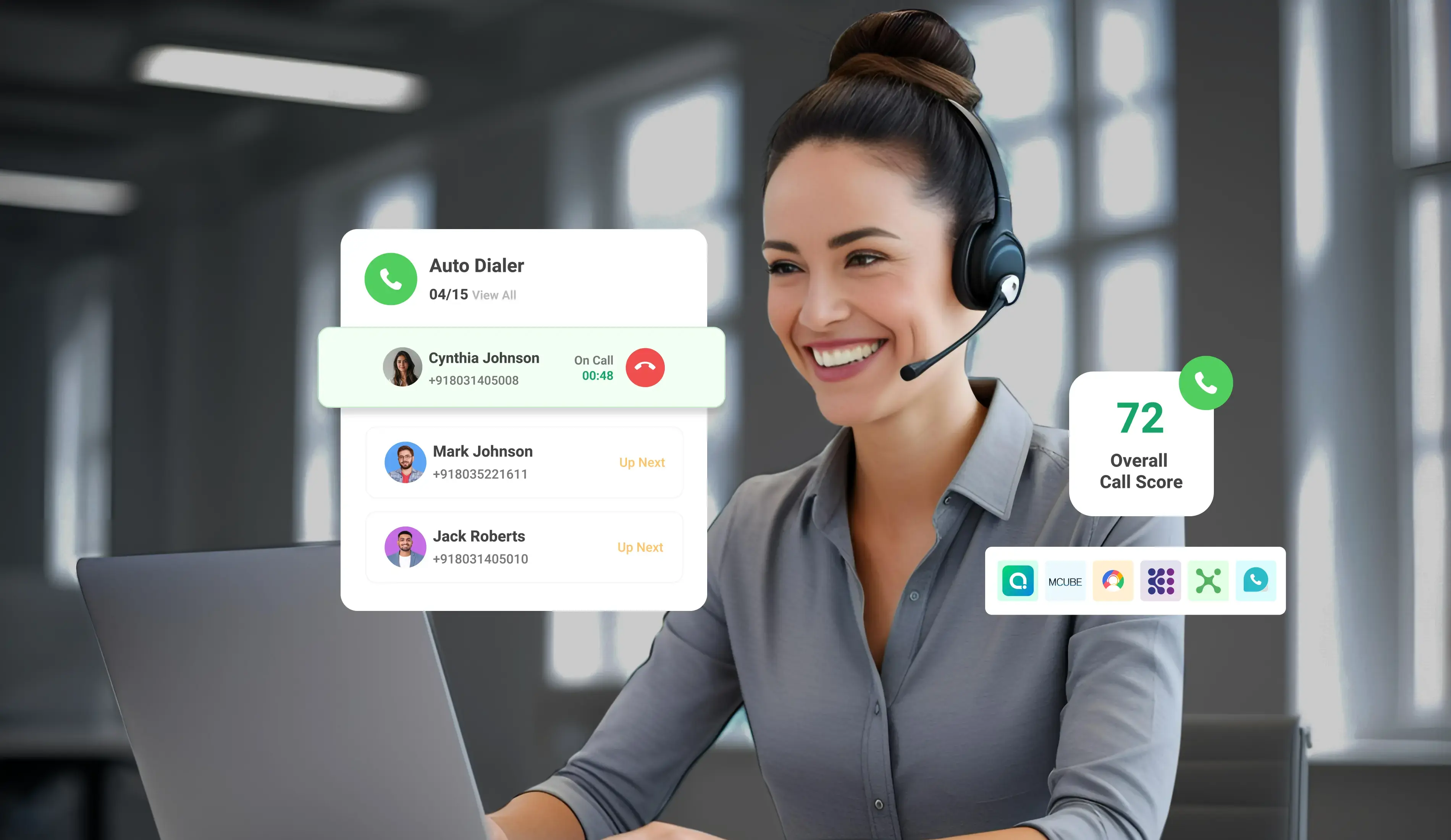
How to Forward Business Calls to a Mobile Phone

12 mins read

Posted on Oct 30, 2026

Vignesh N
SEO


Vignesh N
SEO






Business call forwarding means sending calls from your office phone number to your mobile phone. This helps business owners and employees answer calls from anywhere.
You can forward your business calls to your mobile using a telecom provider, a VoIP service, or a cloud phone system like TeleCMI. This way, you can answer customer calls whether you’re at the office, at home, or on the go.
For example, a sales executive traveling between meetings in Chennai, Bengaluru, or Mumbai may get a customer call on the office number. With call forwarding enabled, the call goes straight to their mobile. They can speak to the customer right away, answer questions, and avoid losing a potential sale.
Forwarding helps in many everyday situations:
- Employees working remotely
- Business owners away from the office
- Field teams visiting customers.
- After-hours enquiries
- Every business call gets a live answer.
This guide explains the important ways to forward business calls to a mobile phone, the types of forwarding rules, caller ID basics, and a simple setup checklist.

Key Takeaways
 Business calls can be forwarded to a mobile phone using carrier settings, a VoIP provider, or a cloud phone system.
- The main options are always forward, forward when busy, forward when unanswered, time-based, and sequential forwarding.
- Caller ID behavior depends on the carrier or calling platform, so a test call is the best way to confirm what appears on screen.
- Basic forwarding meets simple needs, while routing rules, call history, and team controls are managed by a cloud phone system.
- A softphone or business calling app lets employees use the business number over the internet, with no SIM forwarding needed.
What Is Business Call Forwarding?
Business call forwarding is a phone feature that redirects incoming calls from a business number to another number, usually an employee's mobile. The customer dials a single number, and the rule determines who answers.
Customer → Business Number → Forwarding Rule → Employee Mobile
The rule can be set in three important places:
1. Telecom carrier: Settings on a SIM or landline connection.
2. VoIP provider: Internet-based calling with forwarding options.
3. Cloud phone system: A dashboard with routing rules, teams, business hours, and reports.
How to Forward Business Calls to a Mobile Phone
1. Using a Cloud Phone System
A cloud phone system is the most flexible way to forward calls from a business or virtual number to an employee's mobile. Everything is managed from one dashboard, with no changes to the SIM.
The usual steps:
- Select the business number: Pick the virtual or toll-free number customers already know.
- Add the mobile destination: Enter the employee's mobile number with the country code.
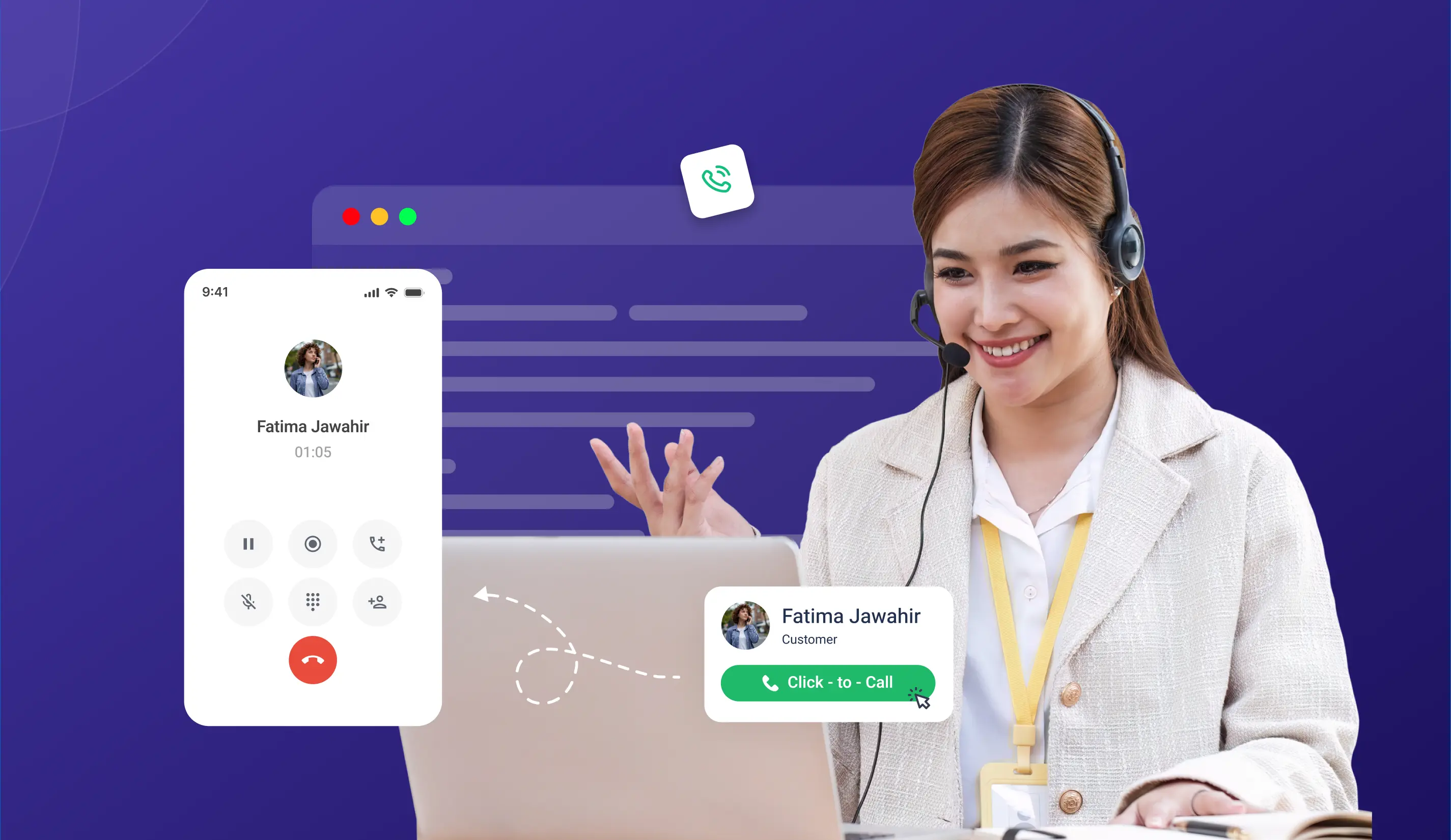
- Create forwarding rules: Choose when calls should go to the mobile: always, when busy, or when unanswered.
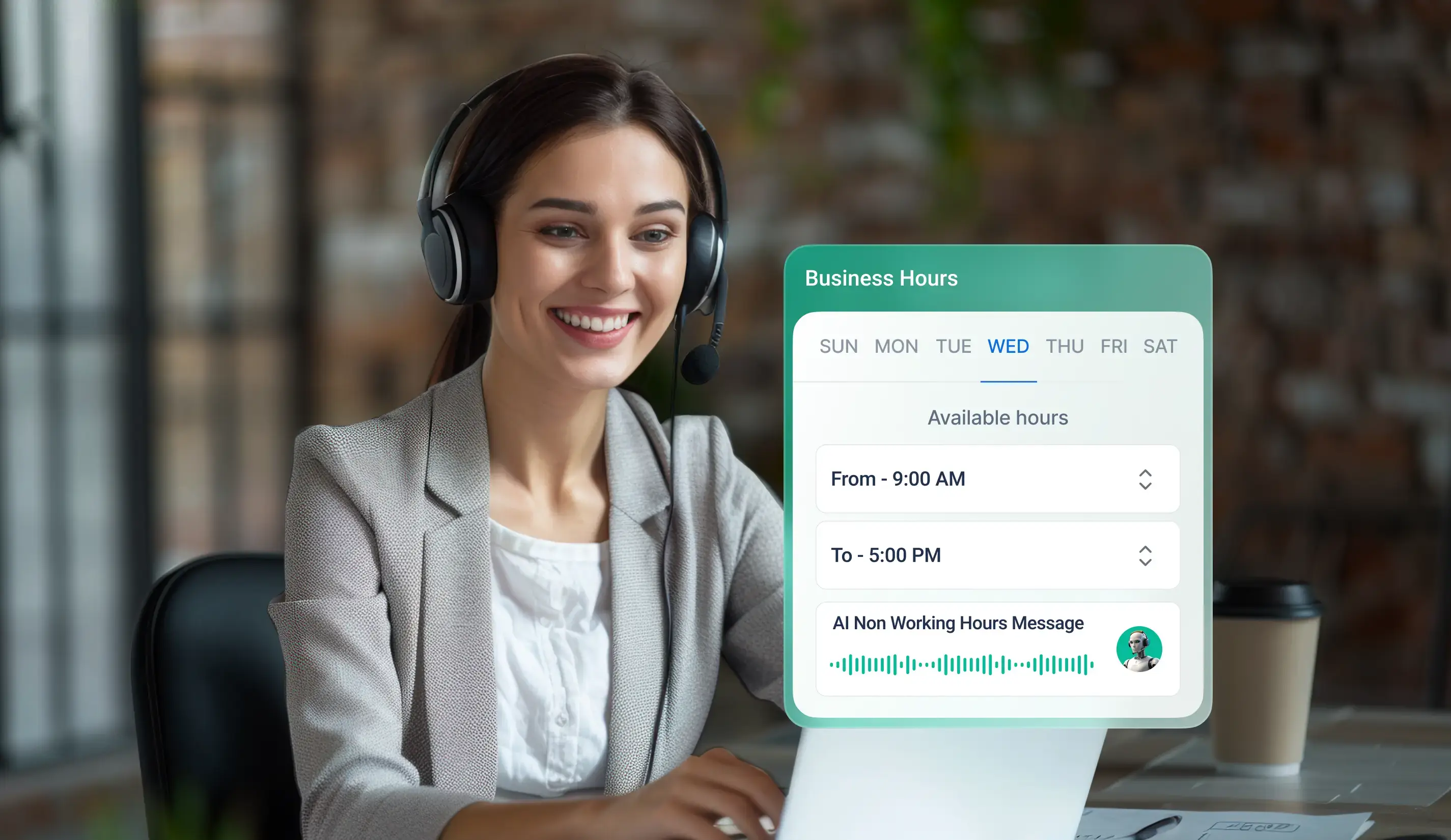
- Set business hours: Send calls to the office team during the day and to a mobile after hours.
- Add backup numbers: If the first mobile does not pick up, the call moves to the next person.
- Test the call flow: Dial the business number from another phone and confirm the right mobile rings.
2. Using a Business Calling App or Softphone
Employees do not always need calls on their regular mobile network number (PSTN). A business calling app, also called a softphone, lets them handle business calls from a smartphone over the internet using WebRTC.
Types of Business Call Forwarding
Business Number to Employee Mobile: How It Works
When a customer calls the business number, the system forwards the call to the right employee’s mobile phone. The employee can answer the call from anywhere.
This is useful for different teams:
- Sales team: Customer calls reach the right sales executive quickly.
- Customer support: Support staff can answer urgent calls even when they are away from the office.
- Field employees: Technicians and other staff can take business calls while traveling or visiting customers.
- Business owners: Important calls arrive on your mobile, so you don't have to stay at the desk.
- Remote workers: Team members at home answer with the same business identity.
Caller ID When Forwarding Business Calls
Caller ID determines which number appears on the employee's and customer's screens. It shapes how smoothly the conversation starts.
Businesses should look at four points:
- Number the employee sees: Some setups show the customer's number, while others show the business number.
- Business number: The number customers see may vary depending on the phone service or calling platform.
- Callback number: When an employee calls a customer back from their mobile, the customer may see the employee’s personal number unless the service supports business caller ID.
- Same business number: Using one business number helps customers recognize your calls and makes it easier for them to call you back.
The number shown can vary by service provider. It’s best to make a test call before using the system for business calls.
Business Number vs Personal Mobile Number
Using the business number as the public contact keeps customer relationships with the company, whoever answers the call.
What to Plan For When Forwarding Business Calls to Mobile
Basic forwarding works well for simple needs. A few planning points help it work even better, and details differ by provider and setup.
- Forwarding charges: Some carriers add charges for forwarded minutes, so check the plan.
- Call routing: Basic call forwarding may have fewer options for sending calls to different employees.
- Network coverage: Calls may not connect properly if the mobile signal is weak.
Working hours: Employees may get business calls after work unless call timings are set.
- Call records: Basic call forwarding may not show all call details or provide detailed reports.
- Privacy: Employees need clear rules for using their personal phones for business calls to protect customer details. MeitY provides official guidance on data protection in India.
- Team size: Managing calls for many employees can be difficult without a central dashboard.
- Forwarding charges: Some carriers add charges for forwarded minutes. Checking the plan details on the carrier’s website or the consumer information shared by TRAI, India’s telecom regulator, helps avoid surprises on the bill.
- Call routing: Basic call forwarding has limited options for sending calls to different teams. As the business grows, a cloud phone system can make call management easier.
- Network availability: Forwarded calls need a good mobile signal. You can set up a backup number to receive calls when the main number is unreachable.
- Working hours: You can set call timings so employees receive business calls only during working hours.
- Call history and reports: Basic call forwarding may show only a few call details. A cloud phone system gives you call records, recordings, and team reports in one place.
- Privacy: Business calls on a personal mobile work best when supported by clear team guidelines for handling customer details. The Digital Personal Data Protection Act, 2023, published through the Ministry of Electronics and Information Technology (MeitY), is the official reference for data protection in India.
- Security: Strong passwords and two-step verification protect the accounts that control forwarding rules. The NIST Small Business Cybersecurity Corner offers free, practical guidance on protecting business communication systems.
- Team size: Managing many employees through simple forwarding becomes easier with a central dashboard, where numbers, users, and rules are all in one place.
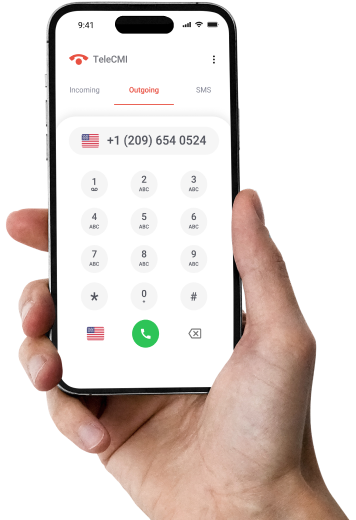
Forward Business Calls to Your Mobile with a Cloud Phone System Built for Flexible Business Communication.
START 14 DAYS FREE TRIALWhen Should You Use Call Forwarding vs. a Softphone?
Call forwarding fits simple requirements. As the team grows, a business calling platform provides greater control, reporting, and flexibility.
Step-by-Step Checklist for Setting Up Business Call Forwarding
1. Choose the business phone number.
2. Select the mobile number where calls should go.
3. Decide when calls should be forwarded.
4. Set up the call forwarding option.
5. Check which number customers will see.
6. Set business hours if needed.
7. Add another number for backup.
8. Make a test call to check if it works.
9. Make sure the employee can answer the call.
10. Check the settings from time to time.
Where Businesses Can Use Mobile Call Forwarding
- Small businesses: Owners receive office calls while away from the workplace.
- Remote teams: Calls reach employees working from home or another city.
- Field sales: Representatives pick up business calls while traveling.
- Field service: Technicians take customer calls on-site.
- After-hours support: Calls are routed to an employee or the on-call team once the office closes.
How TeleCMI Helps Forward Business Calls to Mobile
TeleCMI is a cloud communications and AI contact center platform that helps Indian and global businesses forward business calls to mobile phones while maintaining a single consistent business number. Calls are managed from a single dashboard, and teams stay reachable on the go.
Setting Up Forwarding with TeleCMI
1. Enable carrier forwarding on the mobile. On the employee's phone, open the call forwarding settings and choose "When unreachable" for SIM 1 or SIM 2, so calls reach the TeleCMI number even when the phone is out of coverage.
2. Choose Always forward and enter the DID. Add the TeleCMI DID as the forwarding number and turn the setting on.
3. Route the business number to the team. The business number is forwarded to the DID, which sends the call to the team.
4. Use Follow Me for users. From the team, calls are routed to individual users via the Follow Me option.
5. Set the user offline in the dashboard. Switching the user to offline in the TeleCMI dashboard allows the call to reach the employee's mobile, ensuring they are ready to attend.
6. Record and review calls. Call recording occurs within the TeleCMI dashboard, and CRM integration keeps call records linked to customer details.
TeleCMI Capabilities for Mobile and Remote Calling
- Business and virtual numbers
- Call forwarding and routing.
- Employee calling
- Multiple call destinations
- Business-hour routing
- Mobile access
- CRM integrations
- Centralized call management
To see the flow live, book a TeleCMI demo.
Conclusion
Forwarding business calls to a mobile phone keeps employees reachable when they are outside the office. Basic carrier forwarding works well for simple needs. Businesses that want more control over routing, employees, caller ID, call history, and remote calling can grow with a cloud-based business phone system or softphone, and TeleCMI brings these tools together in a single dashboard.
Ready to Manage Business Calls from Anywhere? Discover Flexible Call Forwarding with TeleCMI.

Smart Call Forwarding & Routing
Business & Virtual Phone Numbers
Flexible Employee Call Management
CRM Integration & Call Recording
Frequently asked questions (FAQ)
Vignesh N

With deep expertise in cloud telecommunications, I help readers explore the latest trends in VoIP and modern business communication. At TeleCMI, I focus on educating businesses with clear, practical insights, making complex telecom concepts easy to understand. I’m passionate about helping organizations improve efficiency, enhance customer engagement, and adopt smarter communication strategies.

.webp)