Beyond 9 to 5: How Business Hours Automation Enhances Your Support

8 mins read

Posted on May 07, 2025

Vignesh N
SEO


Vignesh N
SEO






A high-intent customer reaches out at 8 PM on a Friday, ready to make a purchase. But your team’s offline, and there’s no system in place to handle after-hours inquiries.
The result? No response. No conversion.
A missed opportunity handed directly to your competitor.
Many businesses face this challenge when their business hours are not clearly defined, or when there are no automated responses for after-hours inquiries. In this competitive landscape, customers won't wait. If you miss the chance, they’ll quickly turn to your competitors.
You're having a limited time to engage your targeted audience; a well-structured and automated business hours system will help you manage and overcome these challenges. In this blog, we'll explore how an automated business hours allows businesses to improve workflow and build long-term customer relationships.
What is Business Hour?
Business hours refers to the official working time in which a business operates. During these hours, a business receives inquiries from customers, calls from stakeholders, or connections with investors. These time frames vary with industries, location, customer base, and operating model.
For Example:
- Most of the SaaS companies offer 24/7 support in multiple time zones.
- A local service provider might operate from 9AM to 6PM on weekdays.
- An eCommerce store automates support during off-hours using chatbot or AI voice agents.
Based on the business goals, the business hours vary with multiple factors, and they set clear boundaries for availability and service delivery.
Why Setting Business Hours Matters
Setting up business hours is essential for several reasons, ranging from customer satisfaction to operational efficiency. Here’s why establishing business hours is essential for your business:
Customer expectations and trust
Customers expect instant and relevant responses from a business. With an AI powered inbound call center software, you can build trust and create meaningful connections with them.
Operational efficiency
Defined hours ensure your team's working hours, avoiding overlapping and unnecessary burnouts. With comprehensive performance analysis, you can easily identify employee challenges and make data-driven decisions by shifting plans, allocating resources, and prioritizing tasks, thus enhancing productivity. A percentage increase calculator can also help businesses measure changes in productivity, staffing needs, or performance over time.
Reduced confusion and miscommunication
When customers reach your business outside the working hours, it may lead to confusion, frustration, and miscommunication with slow response time and irrelevant suggestions. Business hours reduce this by educating customers when to call and keeping the internal team aligned, irrespective of location and work mode.
Enhanced professional image
Showcasing your business hours on websites, listings, and business phone systems presents a professional brand image. It shows that your business is organized, reliable, and respectful of both staff and customer time.
Common Challenges Businesses Face with Improper Management of Business Hours
Serval challenges are associated with business hours management, including time strains, employee fatigue, communication gaps, and meeting customer expectations. Here are a few common challenges a business faces with working hours.
- Managing multiple time zones: Managing calls and inquiries across multiple time zones can lead to delays, missed queries, and inconsistent communication if business hours aren’t clearly defined.
- Inconsistent availability across teams: Employees who work in different locations and times fail to meet customer expectations without proper communication and collaboration tools.
- Forgetting to update hours during holidays: Holiday-specific schedules are often overlooked, leading to unattended calls or frustrated customers who expect service during posted hours.
- Handling after-hours communication: Without automation, after-hours inquiries may go unanswered or pile up, resulting in lost sales or dissatisfied customers.
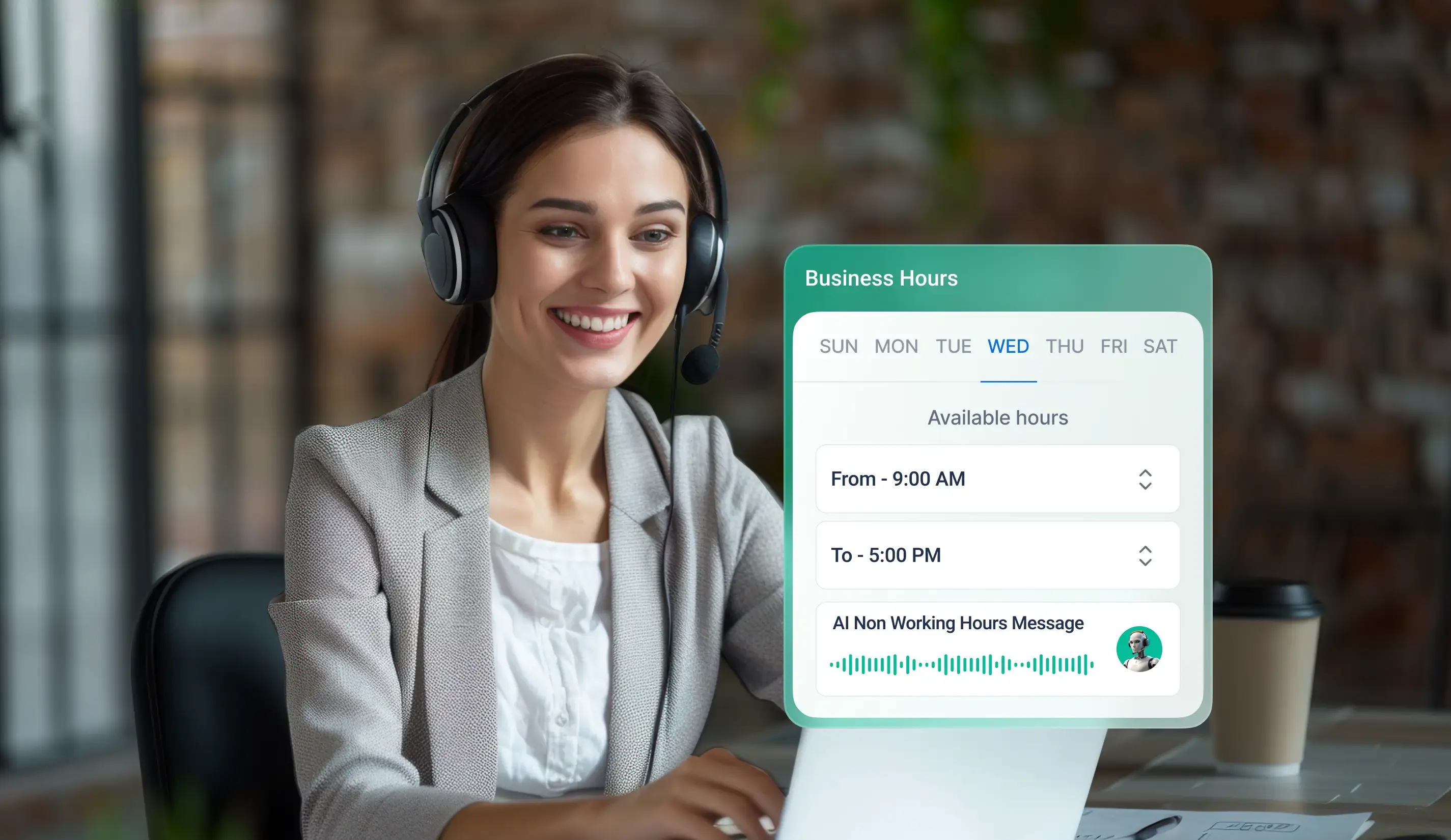
Benefits of Automating Business Hours
- Saves time and reduces manual errors: Automatically change the business hours during public holidays or based on the team's availability without human intervention.
- Enables consistent customer communication: Route calls to the right agent during non-working hours or allow AI to handle the calls and properly sync with the agent.
- Helps with resource planning and staffing: Enhance productivity and employee satisfaction by providing clear insights for smart scheduling and allocating the right resources at the right time.
- Improves customer satisfaction and experience: Sending automated follow-up messages, after-hours greetings, or redirecting urgent calls makes the customers feel valued and keeps them in touch with the business.
Tools to Automate Business Hours
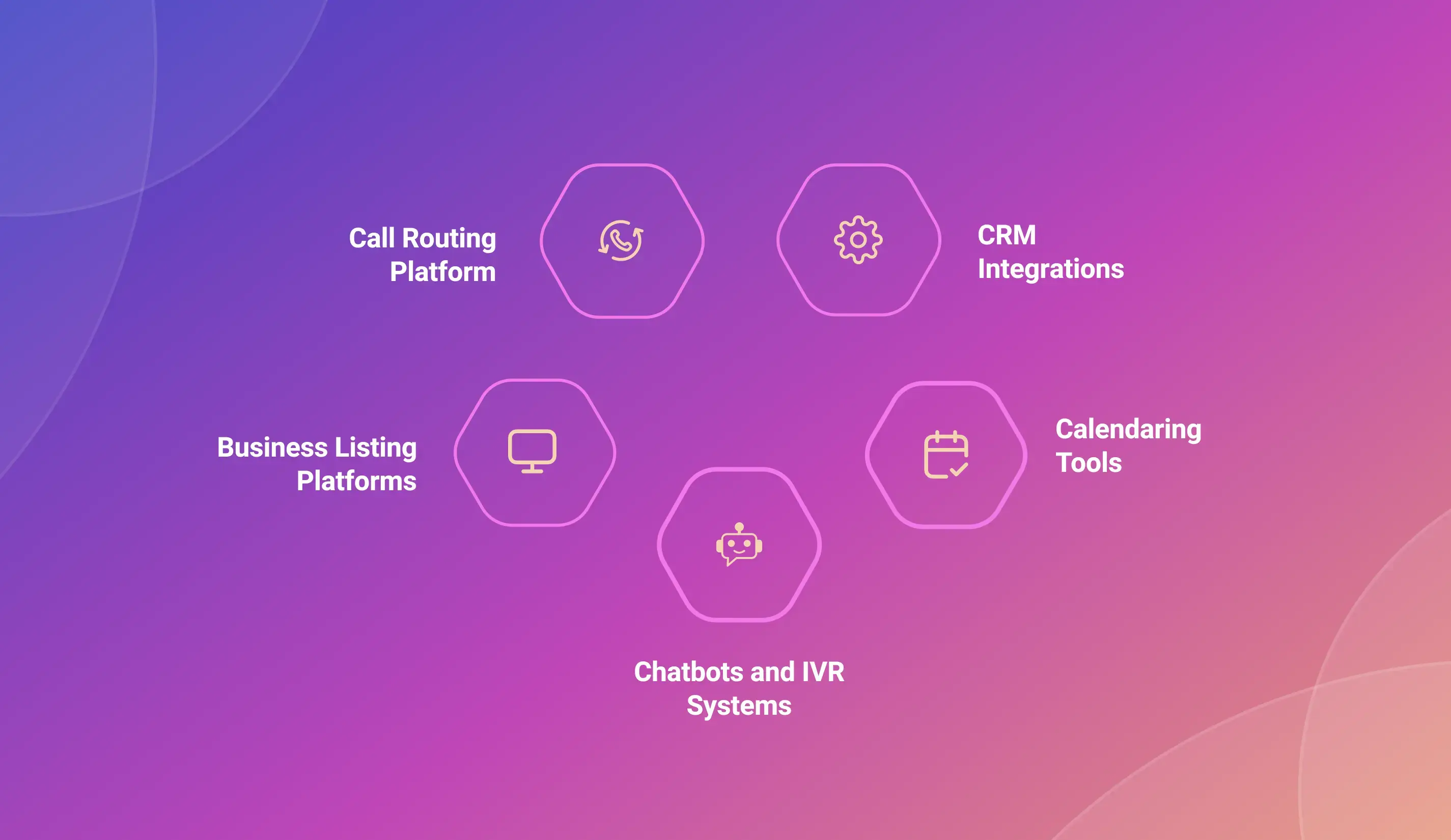
- Call Routing Platform: Platforms like TeleCMI, automatically route calls to the right agent or voicemail based on the business hours.
- CRM Integrations: Many Customer Relationship Management (CRM) platforms have built-in automation techniques like instant communication, schedule follow-ups and data synchronization even during non-working hours.
- Calendaring Tools: Tools like Google Calendar and Calendly are used to block off business hours, automate appointment scheduling, prevent double booking, and manage real-time availability for customer interaction.
- Chatbots and IVR Systems: AI-powered chatbots and Interactive Voice Response systems can handle customer queries and direct them to the right resources even when your team is unavailable.
- Business Listing Platforms: Platforms like Google My Business, Yelp, and other listing platforms allow you to display your official business hours, including special hours and holidays or events.
Business Hours Automation Use Cases
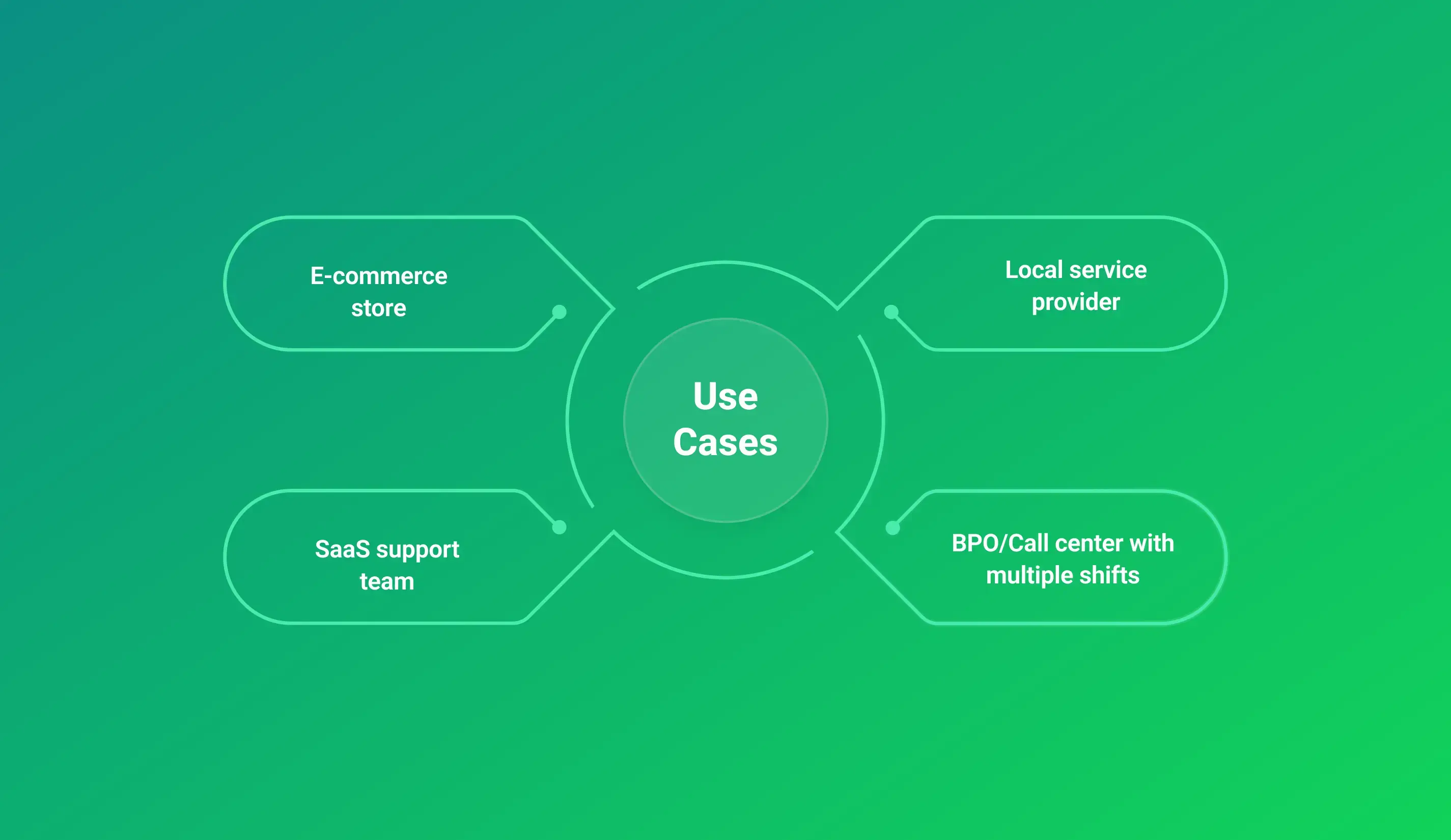
- E-commerce store: Business hours automation helps VoIP for ecommerce stores provide instant voice support, timely responses, smart call routing, and real-time updates with AI-powered chatbots and voice assistance.
- SaaS support team: Businesses can provide self-service options through knowledge base, route urgent support tickets available agents, or resolve with AI agents based on the business hours across different time zones.
- Local service provider: IVR system can direct after-hours calls to voicemail or provide an automated response with appointment booking options.
- BPO/Call center with multiple shifts: With multiple shift timings, a BPO can integrates systems to enable transitions between teams, reduces wait times, and ensures that urgent issues are escalated to the right team
Tips for Optimizing Automated Business Hours
- Regularly audit and update hours: Prevent confusions and enhance communication by regularly auditing and updating the business hours, especially if your business has shifts in seasonal demand, operational changes, or team availability.
- Account for holidays and special events: Automate the update of business hours across all channels, such as your website, CRM, and call routing system system, so that customers are informed before any closures or limited availability.
- Add personalized messages during off-hours: During off-hours, use personalized messages in voicemail greetings, chatbots, or email responses to let customers know when to expect a response.
- Monitor after-hours interactions for missed opportunities: Look for recurring issues or frequently asked questions that arise outside of business hours and use this data to improve your automated systems or update your business hours.
How TeleCMI Transforms Business Hours Management
With TeleCMI, businesses can easily configure business hours and automate the off-time communication. With advanced features like AI-powered automation, time-based call routing,cloud IVR service, cloud pbx and personalized voicemail greetings, businesses can simplify operations, reduce manual errors and enhance satisfaction.
- Serving Customers 85+ Countries
- Global Call Quality Optimization
- 99.99% Uptime Guarantee
- Built In-House, No Third-Party Dependency
- Unified Communication Hub
- Compliance with Industry Standards
- Scalable & Reliable Infrastructure
Conclusion
Automation not only saves time and resources, but also ensures customer satisfaction, consistent and reliable service, and brand reputation. By establishing clear boundaries for customer interactions, optimizing workflows, and utilizing automation tools like TeleCMI, businesses can enhance operational efficiency, improve customer satisfaction, and build trust with both clients and employees.
Don’t Miss Calls Outside Hours

Efficient Call Handling
Seamless Automation
Better Resource Allocation
Frequently asked questions (FAQ)
Vignesh N

With deep expertise in cloud telecommunications, I help readers explore the latest trends in VoIP and modern business communication. At TeleCMI, I focus on educating businesses with clear, practical insights, making complex telecom concepts easy to understand. I’m passionate about helping organizations improve efficiency, enhance customer engagement, and adopt smarter communication strategies.