How Office IVR is Shaping Modern Business Communication?

6 mins read

Posted on Mar 11, 2025

Saravana Kumar
SEO


Saravana Kumar
SEO






Businesses from all sectors focus on identifying the best practices to deliver exceptional customer communication experiences. Office IVR systems are proving to be effective game changers for businesses, optimizing their inbound call management and transforming customer experience.
By intelligently routing calls to the respective departments and providing self-service options, Office IVR systems save valuable time and resources to offer timely assistance. In this write-up, let’s explore the key benefits of Office IVR technology and see how they revolutionize business communications.
What is an Office IVR system?
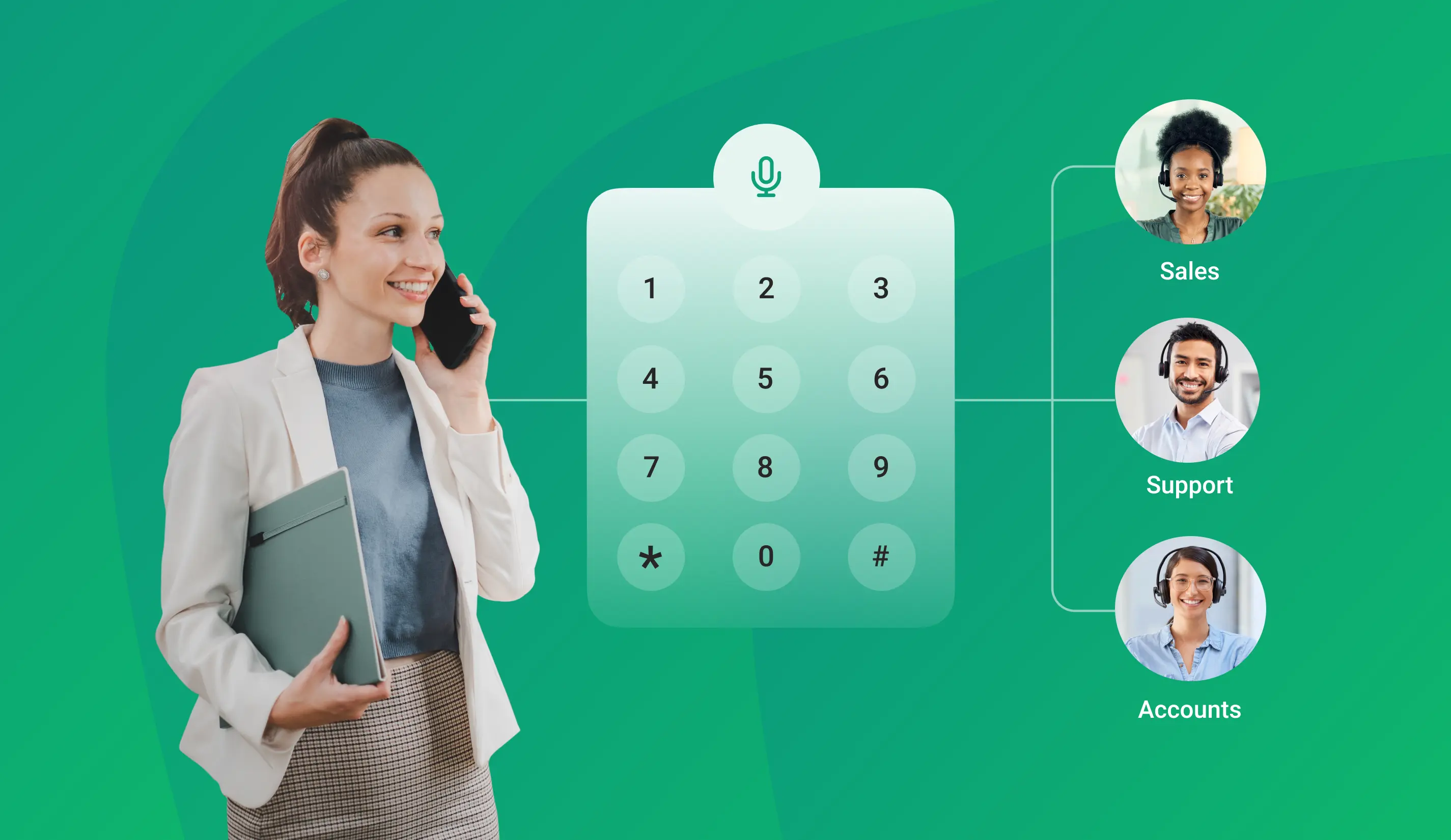
Office Interactive Voice Response systems are a cloud-driven IVR technology specifically designed to automate phone conversations and route callers to the proper departments and specific agents.
This technology functions independently as it is hosted on remote servers and requires on-premises hardware, significantly reducing high maintenance costs. Cloud-powered IVR service can seamlessly integrate multiple communication channels to enhance customer experience.
Key Office IVR Features to Improve Customer Experience
Customers always look for swift and accurate responses with 24*7 support in resolving queries. With the help of Office IVR solutions, businesses can cut operational costs while delivering an enriched customer experience. Listed below are the key benefits of Office IVR.
- Multi-level IVR - Customize the IVR menu to deliver solutions that meetcustomers' requirements and immediately connect with the team.
- Call Routing - Depending on the routing option, quickly route all incoming calls to the specified ivr phone numbers.
- Call Reports - AI-Intelligent IVR solutions allow businesses to collect call reports with a single clickfrom a dashboard.
- Call Recording - Conversations are recorded, updated on the dashboard, and stored in the cloud for further reference.
- Limitless channels - The Dashboard will have a list of all calls made, including missed calls, and this data can be used to ensure that every call is answered.
- Call scheduling - Automate calls at any specified time to reach your customers regardless of time zones.
- No setup costs - There are no specific requirements or setup costs for automated calls.
- AI-powered Multi-level menu - Callers can quickly navigate using customizable multi-level IVR menus.
- Cost savings - With many personalized and unlimited user-based plans, businesses can save upto 80% on costs.
- CRM Integrations - Office IVR can be easily synced with any CRM, streamlining the workflow and allowing agents to access customer data instantly.
Best Practices for Office IVR
Here are some best practices to consider while implementing the Office IVR system, which will transform the customer experience and optimize call management.
- Accessible Menu options - To reduce callers' frustration, ensure that menu options are easier to navigate and understand.
- Use Natural Voices - Use more realistic and pleasant voices rather than robotic ones to give customers a more personal feeling.
- Immediate human assistance - Give your callers the option to connect with a live agent when required.
- Personalize greetings - Leverage caller data to deliver personalized greetings and make your customers feel more valued.
- Deliver a Self-service option - Callers must find it easy to resolve their issues without agent intervention and with access to information.
- Callback options - Let callers request a callback during longer wait times to improve the customer experience.
- Real-time analytics - Track call performance and also collect insights to find ways to improve the IVR system.
How do you set up an IVR system with TeleCMI?
With TeleCMI’s AI-driven Office IVR system, businesses can have their IVR setup in minutes and also experience customized solutions by following these simple steps below,
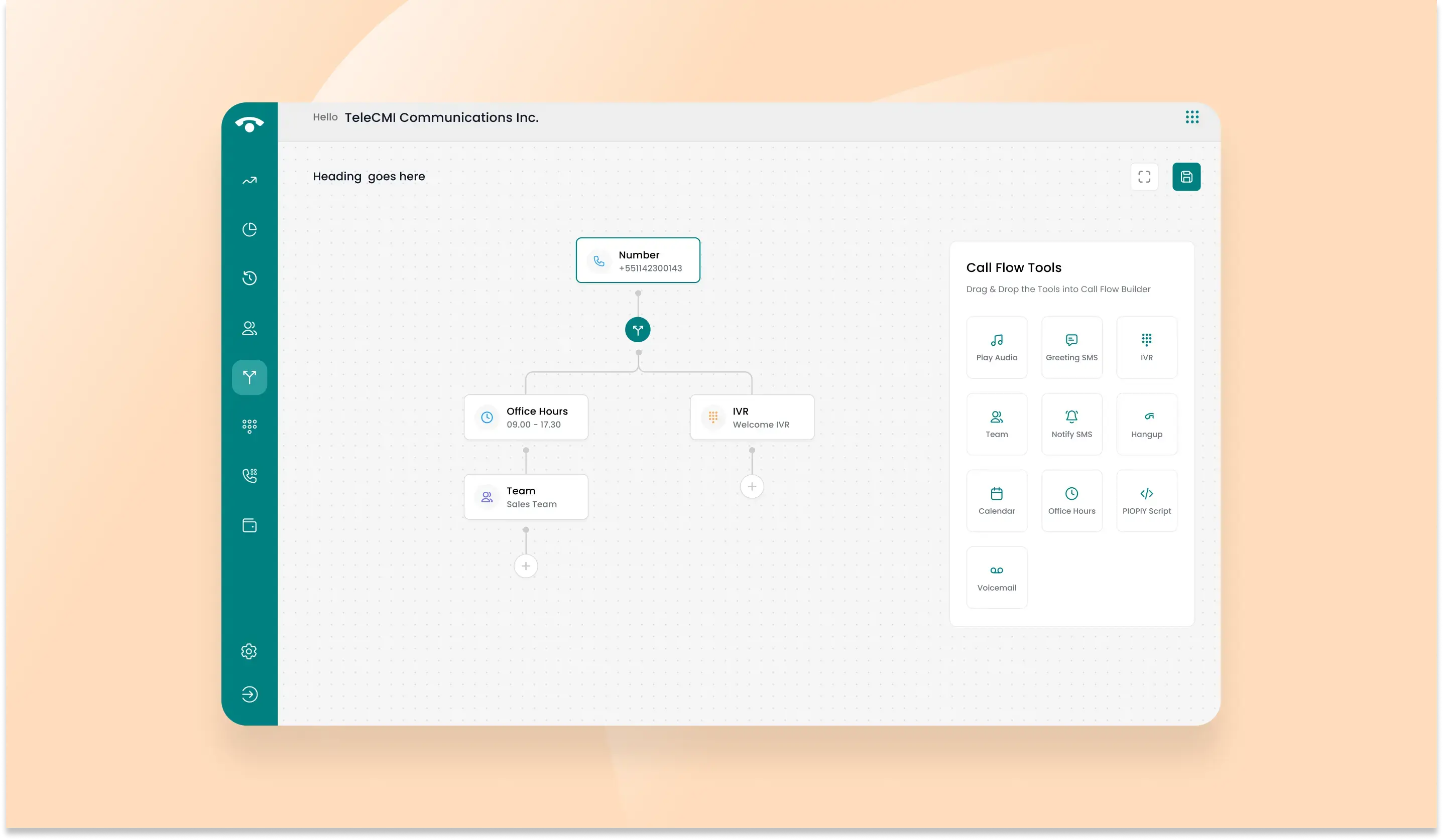
Step 1: The new users will be greeted with a blank dashboard during the log-in.
Step 2: Select the ‘Manage’ button to identify three essential settings for configuring the IVR system: users, departments, and call flow.
Step 3: Move to the ‘Users’ tab. This tab represents the agents or employees inside your organization who will receive calls through IVR and make outbound calls using TeleCMI. New users can be added after clicking ‘Add New’ and entering the necessary details.
Step 4: Create new departments, assign users, and design your IVR software flow based on your requirements.
Step 5: Design the call flow by clicking ‘Design Call flow,’ where you will see the current call flow and drafts on the screen. Click ‘Create New’ on the top right to create a new call flow.
Step 6: Click ‘Save Preview’ at the bottom to correct, and the call flow will be generated. You can also check the preview. Once it is done, click' Publish’ and then ‘Confirm’ to set it.
Any business can easily enable IVR services with their contact number in a short span of time with TeleCMI’s six easy steps.
To Sum Up
Customer communications are pivotal in business growth, and as highlighted in this write-up, businesses can revolutionize their systems to deliver enhanced, enriched, and compelling user-friendly experiences for callers by adopting Office IVR systems. Every minute aspect matters, from clear voice prompts to logical menu structures.
TeleCMI, a leading cloud telephony provider with industry best practices and AI capabilities, implements the Office IVR solution for highly customizable businesses to suit your needs.
Never Miss a Business Call – Set Up Your IVR Now!

Never Miss a Business Call
Smart & Efficient Call Routing
Improved Customer Experience
Frequently asked questions (FAQ)
Saravana Kumar

I’m passionate about exploring and sharing insights on modern cloud communication technologies. At TeleCMI, I focus on helping readers understand the evolving world of cloud telephony and IVR solutions in a simple yet in-depth way. My goal is to deliver genuine value by turning complex telecom concepts into clear, actionable knowledge that builds trust and drives innovation.