Best Auto Dialer Software for Small Businesses in 2026

19 mins read

Posted on Jul 27, 2026

Saravana Kumar
SEO


Saravana Kumar
SEO






Outbound calls still work. For small and medium businesses, they're one of the most reliable ways to bring in qualified leads and close deals faster. The part that slows teams down isn't the calling itself; it's doing it by hand.
An agent working through a contact list manually. They look up a number, dial it, wait through several rings or a voicemail, then log the outcome before moving to the next one. Add that up across a full day, and live talk time barely clears 10 to 15 minutes an hour. Most of the shift goes into dialing and waiting, not actually talking to people.
Auto dialer software closes. A cloud auto dialer works through numbers in the background, picks up on live responses, and routes connected calls straight to an available agent. Whether a team runs on a predictive dialer, a progressive dialer, or a mix of both depends on the campaign.
This is where an auto dialer for small businesses is highly recommended. Sales dialer software, outbound calling software, or a full business auto dialer system all solve the same core problem: getting more real conversations into fewer hours. And with AI auto dialer tools now built into most modern platforms, teams also get sentiment scoring, call summaries, and coaching support layered on top of the dialing itself.
Core Pain Points of Manual Outbound Calling
- Wasted Time on Manual Dialing: Sales reps may spend up to 70% of their day on administrative tasks - like manual dialing and waiting for unanswered calls instead of engaging with prospects.
- Missed Follow-Ups: Without task automation, lead lists become disorganized, resulting in missed sales opportunities.
- Low Talk Time: Agents using traditional phone handsets average fewer than 15 minutes of actual talk time per hour.
- Poor Daily Productivity: Manual processes drain agent energy on unproductive tasks such as listening to busy signals or entering call logs.
- Slow Lead Response: Delays in dialing new inbound leads reduce connection and conversion rates. To confront these challenges, companies use cloud auto dialer technology that automates call placement, detects inactive numbers or answering machines, and routes live contacts directly to available representatives.
By switching to a dedicated auto dialer built for small business teams, sales teams can:
1. Help agents do more calls and spend less time waiting between them.
2. Reach customers faster with outreach that appears personal and well-timed.
3. Run outbound calling campaigns on autopilot, start to finish.
4. Make more calls and open up more revenue without hiring more people.
What Is Auto Dialer Software?
An auto dialer system is outbound telephone technology that automatically dials phone numbers from a pre-loaded contact list. Once a call connects to a live human voice, the sales dialer software instantly routes the caller to an available representative or plays an automated voice message.
How It Works in 4 Simple Steps
- Upload a CSV file or connect your CRM to bring leads in automatically.
- The dialer starts calling based on the schedule and rules set for the campaign.
- The system checks each call and skips busy signals, disconnected numbers, and voicemail. Agents only pick up when a real person answers.
- Call notes, recordings, duration, and outcome are stored right on the contact record—no extra work needed.
Key Benefits for SMBs
- No more manual dialing. The system skips no-answers, busy signals, and dead numbers on its own.
- Agents spend their time actually talking to prospects, not sitting through dial tones and rings.
How Does Auto Dialer Software Work?
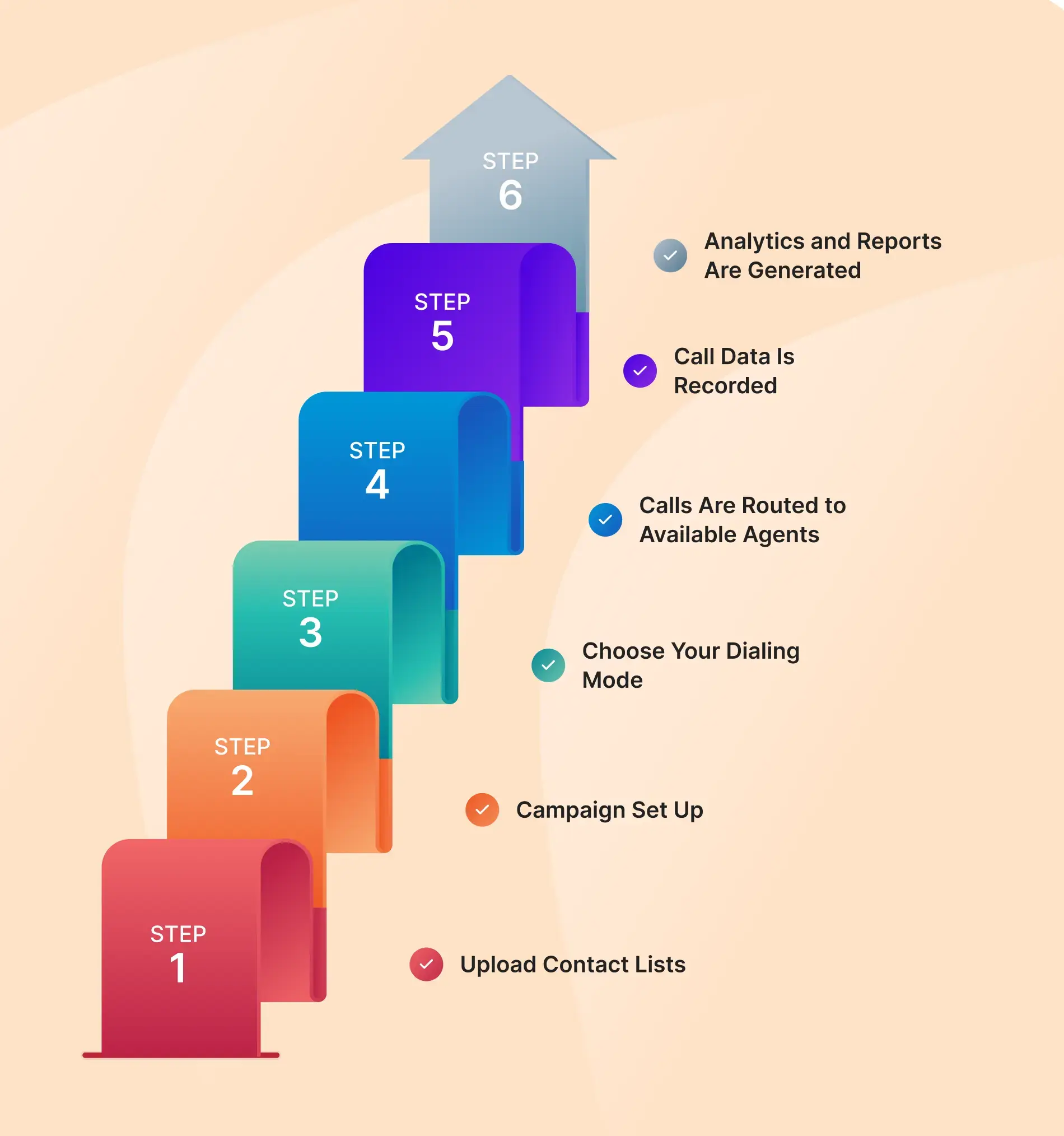
Understanding how modern auto dialer systems work helps teams select and configure the best setup for their sales operations.
Step 1: Upload Contact Lists
Teams with dashboard access, such as managers, can import lead lists using CSV or Excel files or set up integration through CRM webhooks and API integrations.
Step 2: Campaign Set Up
The dashboard is where managers control the campaign. Set the caller ID, initiate pick calling hours, set retry limits, control drop rates, and load voicemail messages. Everything gets set up here before any calls go out.
Step 3: Choose Your Dialing Mode
Different teams need different setups, so there are 2 modes to pick from:
- Predictive Dialer: Best for larger teams. It calls several numbers per agent at once and predicts when an agent will be free next.
- Progressive Dialer: Best for small to medium outreach. It calls the agent and then connects with the customer.
Step 4: Calls Are Routed to Available Agents
The moment an actual person picks up, the call gets routed straight to an available agent, and the prospect's history pops up on screen right away. No searching for context mid-call.
Step 5: Call Data Is Recorded
After the call, the dialer updates call data such as call recording, duration, disposition tag, and agent notes to guarantee all information is captured.
Step 6: Analytics and Reports Are Generated
Built-in reporting dashboards provide useful insights by breaking down critical metrics such as live answer rates, talk time, handle times, and conversion ratios.
Why Small Businesses Need Auto Dialer Software
Growing small businesses need every hour of the day to count. Moving from manual dialing to a cloud dialer boosts daily call output right away. Key advantages include:
More time talking, less time dialing: Eliminating manual dialing and long ring times can triple daily conversation time for representatives.
Instant response times: Speed is critical when a prospect submits a form. A dialer initiates a call within seconds, resulting in higher answer rates.
Five times the conversations: Agents can achieve over 100 live conversations per day, compared to 20 or 30 with manual dialing, without fatigue; sync back to your CRM automatically, saving reps hours of manual data entry.
Smarter, personal calls: As soon as the call connects, agents see the full picture- past tickets, purchases, or notes, right on screen.
More deals closed: Reaching more people, faster, means more chances to close. Over time, that adds up to real pipeline growth.
Leaner operating costs: Cloud platforms eliminate the need for office hardware and allow you to scale call volume without additional hiring.

According to research by Deloitte Digital, improving customer experience and streamlining online communication touchpoints remain top priorities for companies enabling sustainable revenue growth.
Predictive Dialer vs Progressive Dialer
Choosing between the predictive and progressive dialers depends on your call volume, team size, and how you want to reach leads.
What Is a Predictive Dialer?
A predictive dialer is built for high-volume calling and keeps agents from sitting around waiting. It looks at average call length and answer rates, then calls several leads before an agent even finishes their current conversation. The system dials first, skips dead ends, and sends real, live voices straight to an agent the moment someone says hello.
How It Works
Instead of agents finishing a call and manually dialing the next one, the system utilizes past data to pace calls on its own:
- Predictive Timing: The system looks at how long calls usually take and guesses when an agent will be free next.
- Multi-Line Dialing: It calls several contacts simultaneously, knowing only a fraction of people pick up live.
- Smart Filtering: It removes the out-of-service numbers, busy tones, and voicemail messages automatically in the background.
- Live Connections: The second a real person answers, the dialer routes them to an available agent without delay.
Why Teams Use It
- Agents spend more time talking to prospects rather than waiting on hold.
- Maintains a steady stream of live calls, making it suitable for busy sales environments.
- Modern systems provide managers with real-time visibility into answer rates, drop rates, and campaign performance.
What Is a Progressive Dialer?
A progressive dialer waits until an agent completes their current call and marks themselves as "Available" before placing the next call. The system then automatically dials one contact from the campaign queue for that agent.
How It Works
- The agent finishes writing notes from the last call and switches their status to "Available."
- The dialer sends one call right away to the next contact in line.
- The agent hears it ring in real time and starts talking the second the prospect picks up. Feels natural, right from the start.
Best For
- Small and Medium-sized Businesses (SMBs)
- Real Estate sales teams
- Healthcare follow-ups and appointment reminders
- Financial services, mortgage brokers, and account managers
As highlighted by Forbes, using smart workflow automation allows growing firms to optimize rep efficiency, eliminate redundant tasks, and expand operations proficiently.
Auto Dialer Software Comparison: Best Solutions for SMBs
Here’s a quick side-by-side comparison of the top AI auto dialers and cloud telephony platforms on the market. It breaks down the best options built specifically for small businesses and growing contact centers.
1. TeleCMI
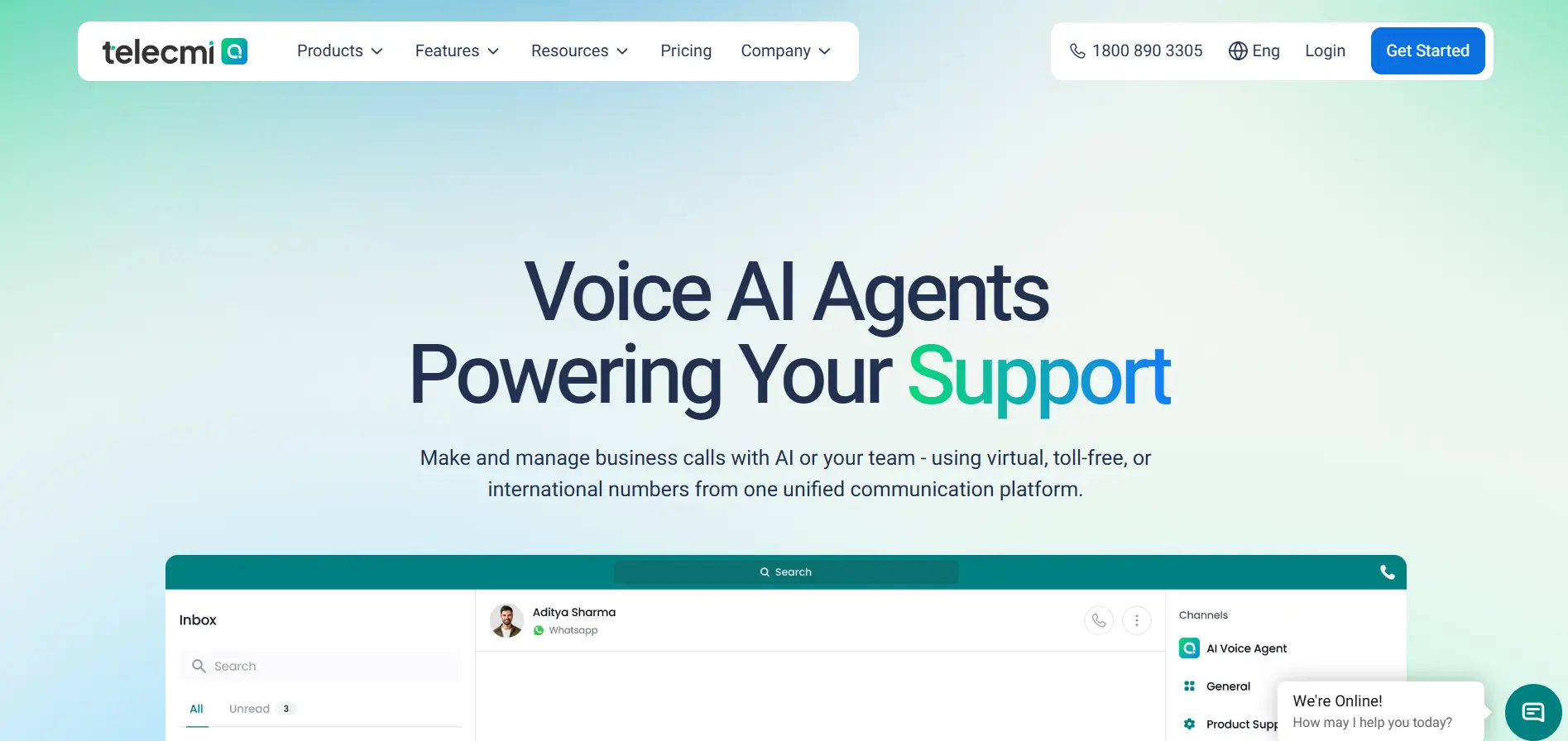
TeleCMI gives small sales teams a fast-to-deploy dialer without enterprise bloat or hidden costs.
With predictive and progressive modes in one dashboard, reps can easily jump from high-volume cold calling to warm with customized follow-ups.
Key Features
- Predictive & Progressive Modes: switch between multi-line dialing based on the campaign at hand.
- AI Call Insights: sentiment scores, keyword trends, and call summaries, generated on their own.
- 170+ Native CRM Links: HubSpot, Salesforce, Zoho, Pipedrive, Freshsales, Zendesk, all synced.
- Live Coaching Tools: managers can listen in, send a soft tip, or jump into a call directly.
- Voice Broadcasting for pre-recorded messages sent to large contact lists at once.
- Custom IVR & Routing to handle inbound and outbound flows.
- Recording & Transcripts, stored without limits, for training and quality checks.
Pros & Cons
Teams can go live in under 15 minutes with flat pricing, free CRM connectors, and 99.99% uptime across 85+ countries. You might need extra technical help for heavy, highly custom API builds.
Best For
- Growing sales teams
- startups
- real estate agencies
- financial services firms
- support desks.
Pricing
- Flat, per-user plans.
Free Trial
- 14 days. Full features. Test credits included.

Increase Sales Productivity with TeleCMI
Stop wasting valuable time on manual dialing. TeleCMI's AI-powered auto dialer automates outbound calling and helps your sales team close more deals
2. Genesys Cloud CX
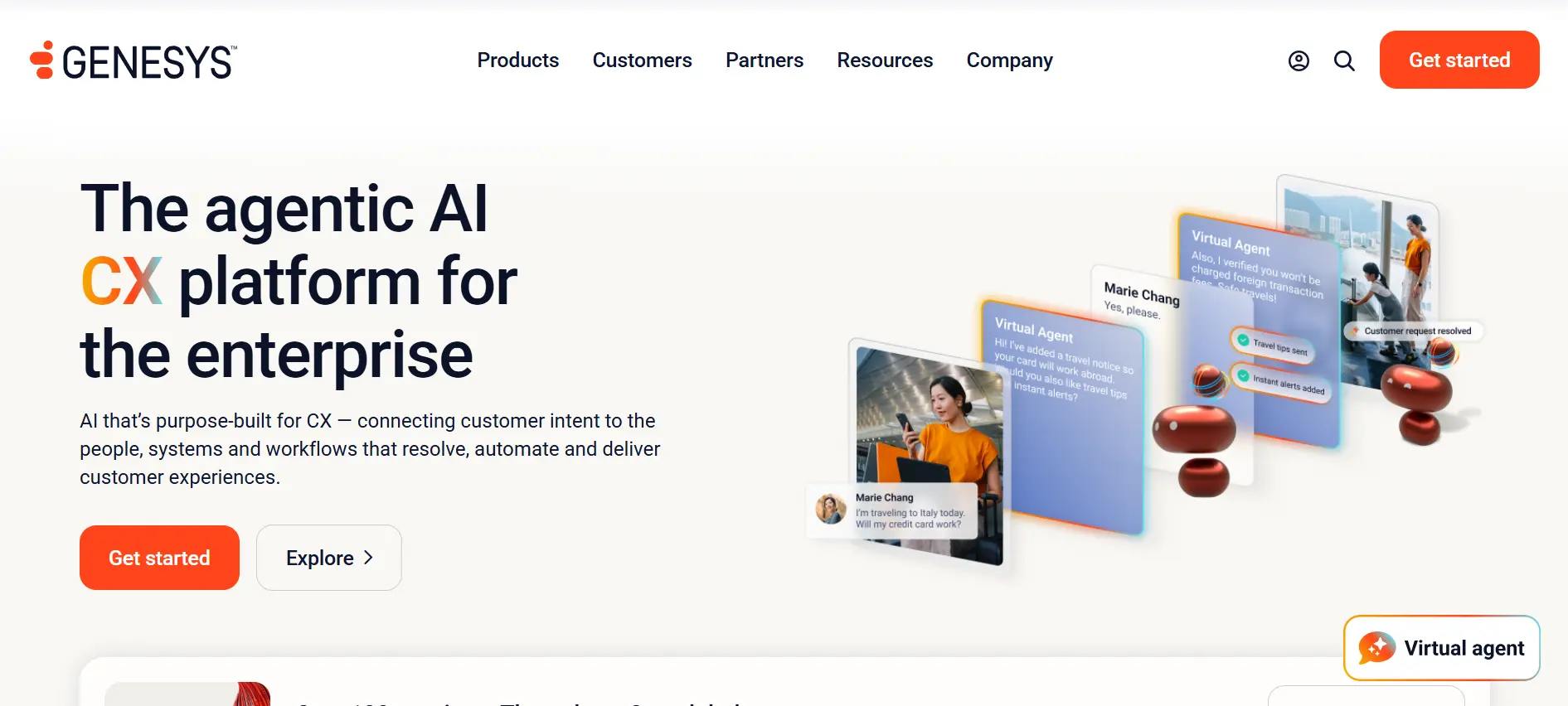
Genesys is built mainly for large enterprises handling very high call volumes. Its setup and pricing are designed specifically for big contact centers. Because of that, smaller teams will likely find it too expensive and complex.
Key Features
- Supports high-capacity predictive and progressive dialer campaigns.
- Automates shift scheduling, plans staffing levels, and monitors agent activity.
- Combines calls, emails, web chat, and social messaging on one screen.
- Tracks sentiment and script compliance as calls go live.
Pros & Cons
- Deep customization and strong security compliance, handling of large call volumes.
- Per-seat cost runs higher, and onboarding goes easier with an IT team already in place.
Best For
Large contact centers and enterprises with in-house IT.
Pricing
Around $75/user monthly to start, climbing to $115-$ 240+ for advanced tools.
Free Trial
30 days
3. NICE CXone
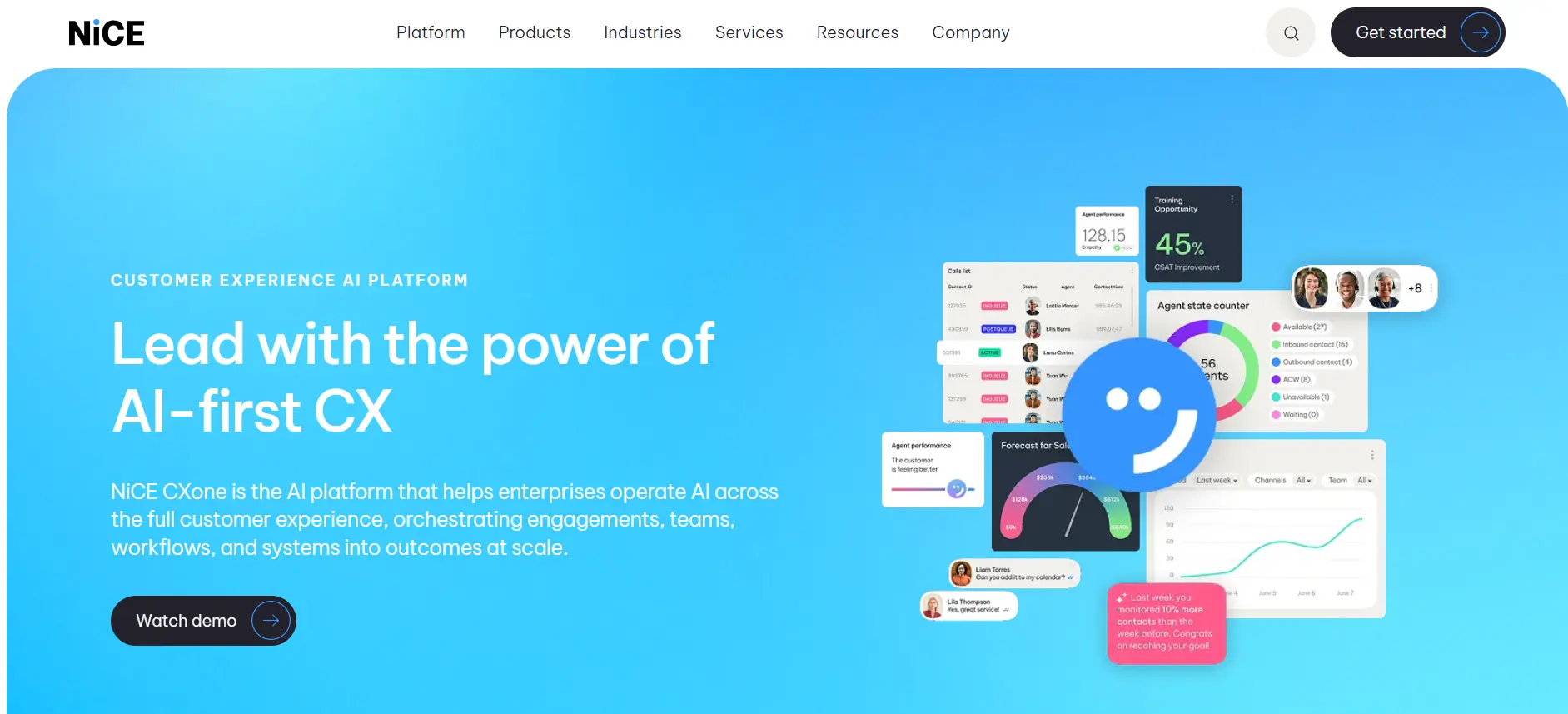
NICE CXone plays in the same enterprise territory. It is built around predictive, progressive, and preview dialing paired with heavy analytics and compliance coverage.
Key Features
- Proactive dialer for a high-volume predictive engine and automatic list cleanup.
- Speech & Text Analytics reviewing sentiment and agent performance.
- Enterprise CRM Connectors for Salesforce and Oracle.
- Quality Scoring using AI to review how calls were handled.
Pros & Cons
- Reporting is detailed, reliability stays high.
- Pricing is enterprise-scale, and newer teams may need a bit of time to get comfortable with everything packed in.
Best For
Large banks, healthcare systems, and enterprise centers run 100+ agents.
Pricing
Custom, typically $110- $185+ per user monthly.
Free Trial
Demos on request; full trials handled case by case.
4. 8x8
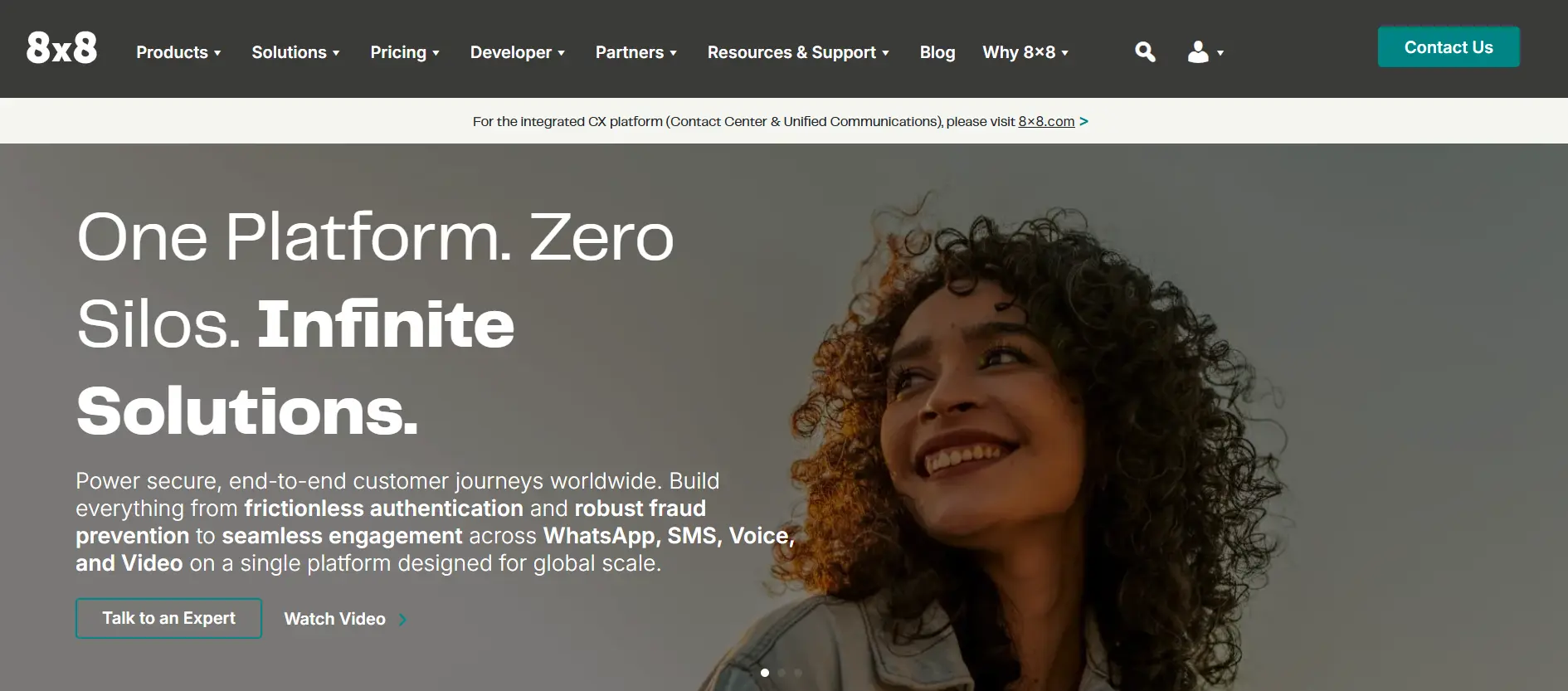
8x8 combines a standard business phone system with full contact center capabilities in a single platform. This makes it ideal for teams looking to consolidate chat, video, and calling into one seamless place.
Key Features
- Progressive & Predictive Modes for sales and support campaigns.
- Multi-Channel Outreach across voice, SMS, web chat, and social.
- Global Calling with unlimited plans to select countries.
Pros & Cons
- Great for keeping internal team chats and outbound customer calls together in one dashboard.
- The dialer itself is fairly basic compared to tools built strictly for heavy cold calling.
Best For
Mid-sized businesses combining office phones with customer outreach.
Pricing
Roughly $85-$120 per user monthly for contact center packages.
Free Trial
Available on basic phone plans; contact center features need custom setup.
5. Yeastar
Yeastar is ideal for organizations transitioning from hardware to cloud telephony without giving up their existing SIP trunks. The P-Series has a built-in auto dialer along with standard cloud PBX tools.
Key Features
- Built-in Auto Dialer for basic outbound queues and power dialing.
- Flexible Deployment across the cloud, a company’s own server, or physical hardware.
- Salesforce, Zoho, HubSpot.
- Visual Call Routing with a drag-and-drop menu and queue builder.
Pros & Cons
- Flexible and cost-effective where SIP trunks already exist.
- AI features are limited.
Best For
Small businesses with existing phone hardware or on-premise needs.
Pricing
Affordable PBX plans. Dialer add-ons vary.
Free Trial
30 days on cloud PBX plans.
6. Five9
High-volume sales floors are where Five9 fits the best. Predictive, progressive, power, and preview dialing modes all come standard. It is backed by an answering machine detection strong enough to skip non-human responses reliably.
Key Features
- Dialing Modes - predictive, progressive, power, preview.
- Answering Machine Filter that blocks non-human responses.
- Deep CRM Integrations - Salesforce, ServiceNow, Microsoft Dynamics.
- Agent Assist with real-time tips and script notes on screen.
Pros & Cons
- Connection accuracy runs high, and compliance tools hold up well.
- Basic pricing is very costly, with a 50-user minimum.
Best For
Large outbound call centers, enterprise sales floors with 50+ seats.
Pricing
Starts around $159 per user monthly (plus usage and integration costs).
Free Trial
None offered. Demo can be requested through the sales team.
7. RingCentral
RingCentral is known for business phone systems. Teams that need an auto-dialer are just an add-on to the contact center plan.
Key Features
- Progressive and predictive dialing through RingCX.
- All-in-One Phone System covering voice, SMS, team chat, video.
- CRM Sync with HubSpot, Salesforce, Zendesk.
- RingSense AI generating call summaries, transcripts, and coaching tips.
Pros & Cons
Reliable global network and a natural fit for linking office phones with outbound calling. A separate RingCX license sits on top of the base plan, adding to monthly cost.
Best For
Growing businesses linking office extensions with a dedicated VoIP for sales team.
Pricing
- RingEX starts at $20-$35/user monthly.
- RingCX starts around $65/user.
Free Trial
14 days on standard business phone plans.
8. Nextiva
Nextiva believes in the ease of use rather than the dialing power. Its progressive dialing and campaign tools are built around client retention, account follow-ups, and service calls more than cold outreach.
Key Features
- Built for customer success and account management teams via automated dialing.
- Calls, surveys, chat, and email activity kept in one place.
- Works with Salesforce, HubSpot, Zoho CRM.
- Live monitoring of call volume and agent availability.
Pros & Cons
- Easy to use with clear support and call quality.
- Multi-line predictive dialing stays more limited.
Best For
Customer service teams, account managers, SMBs built around relationship-based follow-ups.
Pricing
Usually $20 to $40 per user per month; higher plans needed for contact center and dialer features.
Free Trial
7 to 14 days, available on request.
Find the Right Auto Dialer for Your Business
Compare predictive and progressive dialing modes, AI-powered insights, CRM integrations, and advanced automation - all in one cloud platform.
Key Features to Look for in Auto Dialer Software
When selecting an auto dialer system, look for core capabilities that directly support agent efficiency and compliance:
- Predictive Dialing: Dials one to multiple customers at once so your team spends less time waiting and more time talking to the right people.
- Progressive Dialing: Calls one number at a time and only connects when a rep is ready — perfect for those important, more personal sales conversations.
- Deep CRM Integration: Automatically syncs contacts, notes, call recordings, and lead updates between your dialer and CRM—no more copying and pasting.
- Automatic Call Recording: Every call is recorded clearly so you can review them later for coaching, resolving issues, or just staying on top of quality.
- Real-Time Analytics: See exactly how your campaigns are performing — contact rates, conversions, talk time, and more — all in simple, easy-to-read dashboards.
- AI Conversation Insights: Listens to calls and highlights what’s working — key phrases, sentiment, and script performance — so you can help your team improve faster.
- Flexible Campaign Management: Easy list uploads, custom tags, automatic retries for busy numbers, and simple call disposition options. Simple to set up and adjust on the fly.
- Live Call Monitoring Tools: Allows team managers to listen in, whisper private guidance, or barge into active calls to assist agents.
- TCPA & Local Compliance Tools: Built-in Do Not Call (DNC) list scrubbing, calling window regulations, and drop-call rate regulators.
How to Choose the Best Auto Dialer Software
Finding the right sales dialer software isn't about buying the system with the longest feature list—it's about matching technology to your group's specific outreach model. Before signing a software contract, evaluate these six useful factors:
- A 10-person sales team doesn't need a 200-seat call center system, and that's fine. Look for something built to grow with you, like TeleCMI. Simple, flexible, no pressure.
- How many calls do your reps make a day? If you need to dial thousands of cold leads daily, go with a predictive dialer. If you work with warm, high-value leads, pick a progressive dialer. It brings up lead details on screen so reps can have better conversations.
- Your dialer needs to be integrated directly with your current CRM. When the integration is clean, agents don't have to export CSV files or type in phone numbers manually. Everything gets automatically synced in one place.
- Some companies pay the extra charges for carrier minutes, API access, and even basic support. Go with platforms that keep pricing simple and predictable; what you see is what you pay.
- Telecom laws are important to consider, and getting them wrong can be costly. Choose software that takes compliance seriously and handles the heavy lifting for you.
- Avoid software that takes weeks to install or requires IT help. A good cloud dialer lets you upload leads, set up campaigns, and onboard your team in a few minutes.
Why TeleCMI Is the Best Auto Dialer Software for Small Businesses
While enterprise contact center suites push complex software built for 100+ seat call centers, TeleCMI provides a focused platform engineered specifically for growing small-to-medium businesses.
- Syncs instantly with HubSpot, Salesforce, Zoho CRM, Pipedrive, Freshsales, and other popular platforms without custom code.
- Switch flexibly between high-volume predictive calling and exact progressive dialing depending on campaign goals.
- Automatically generate transcriptions, score conversation sentiment, and highlight key sales objections.
- Built on high-availability cloud infrastructure, the platform delivers 99.99% uptime with clear audio and zero drop-offs during campaign runs.
- Fast technical help, setup guidance, and line troubleshooting from account specialists who help you improve campaign performance.
- Take the platform for a test drive with a full 14-day free trial, complete with test credits so you can evaluate performance before spending a dollar.
Grow Your Business with Smarter Auto Dialing

Predictive & Progressive Dialing
AI Call Summaries & Sentiment Analysis
170+ CRM Integrations
Real-Time Analytics
14-Day Free Trial
Frequently asked questions (FAQ)
Saravana Kumar

I’m passionate about exploring and sharing insights on modern cloud communication technologies. At TeleCMI, I focus on helping readers understand the evolving world of cloud telephony and IVR solutions in a simple yet in-depth way. My goal is to deliver genuine value by turning complex telecom concepts into clear, actionable knowledge that builds trust and drives innovation.